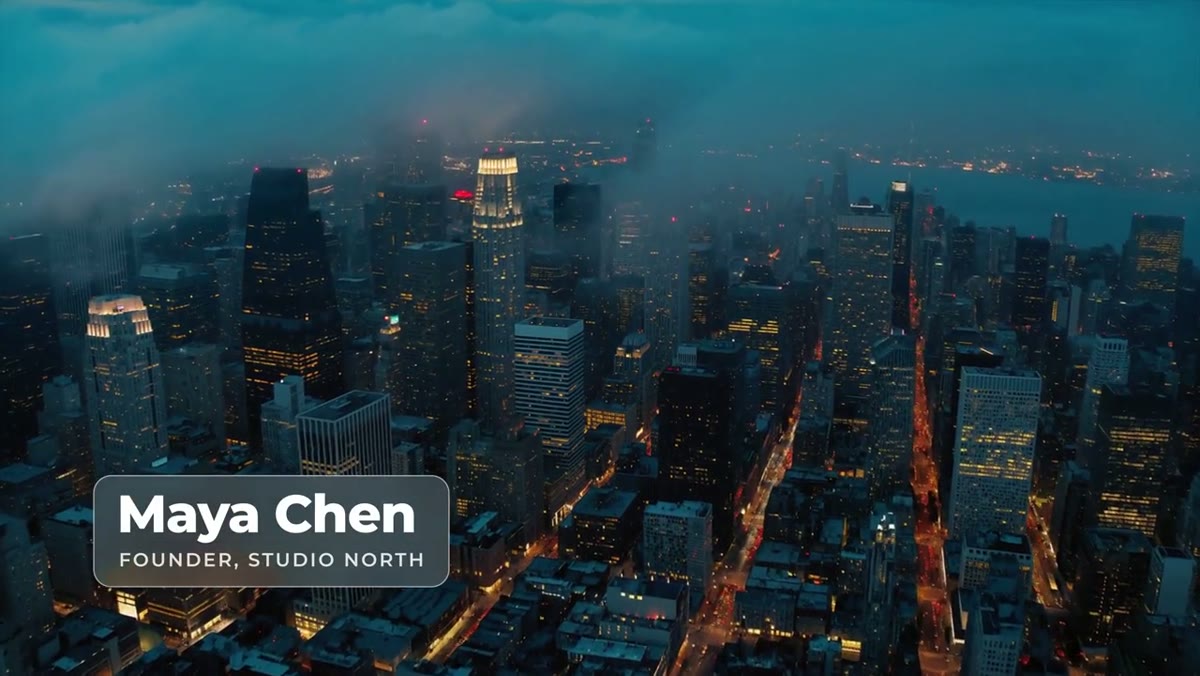
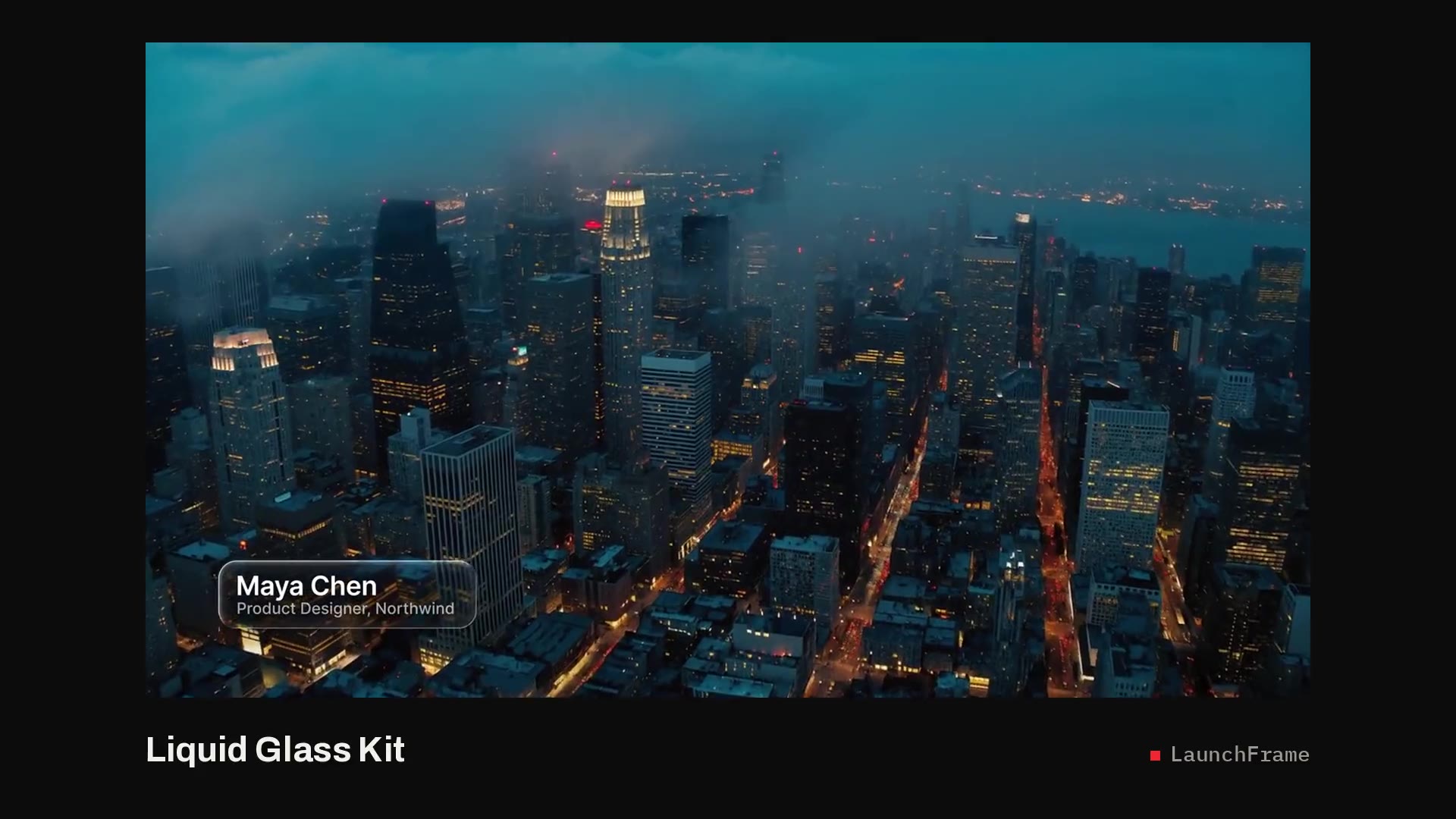
Lower thirds with an After Effects project
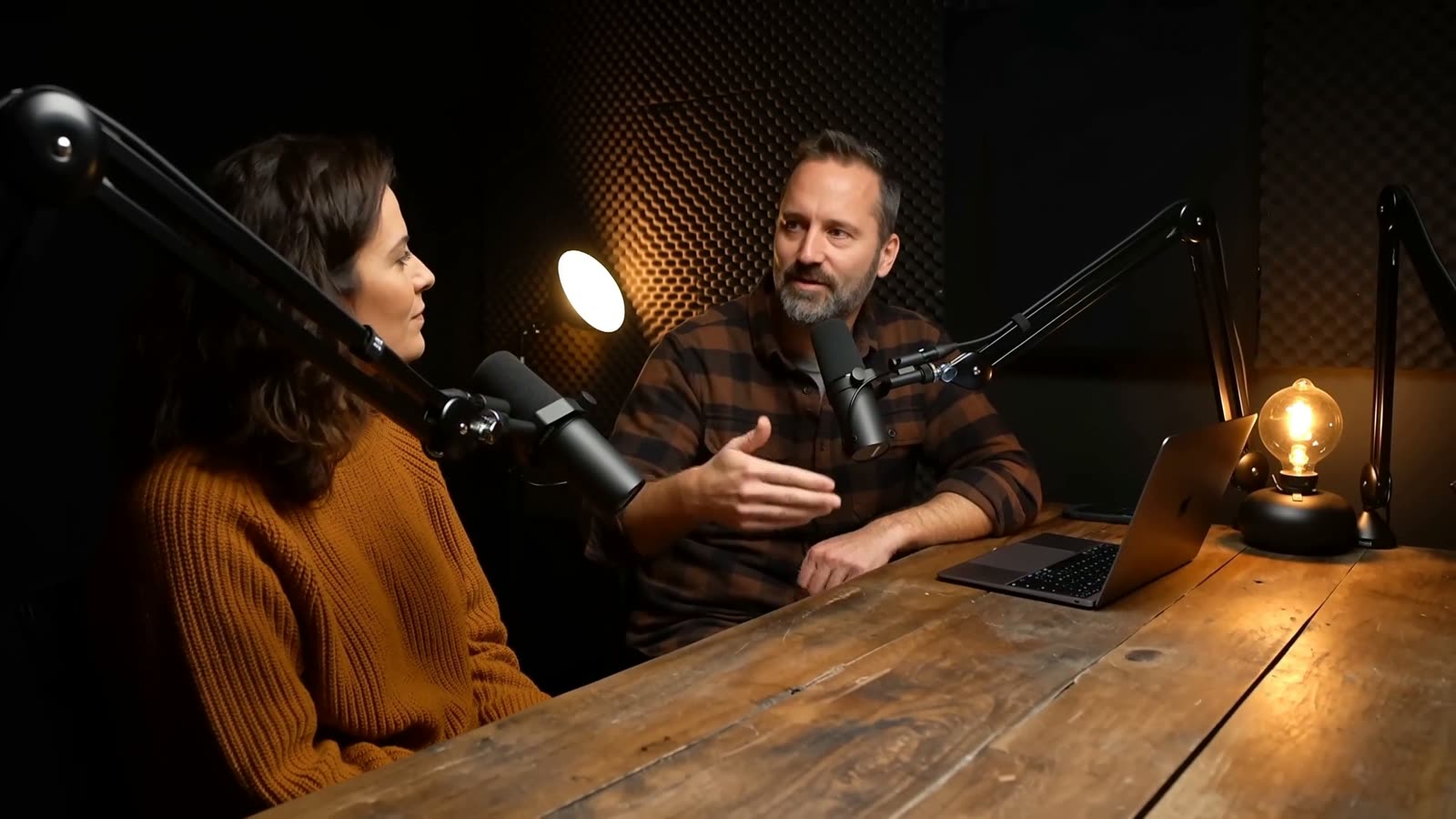
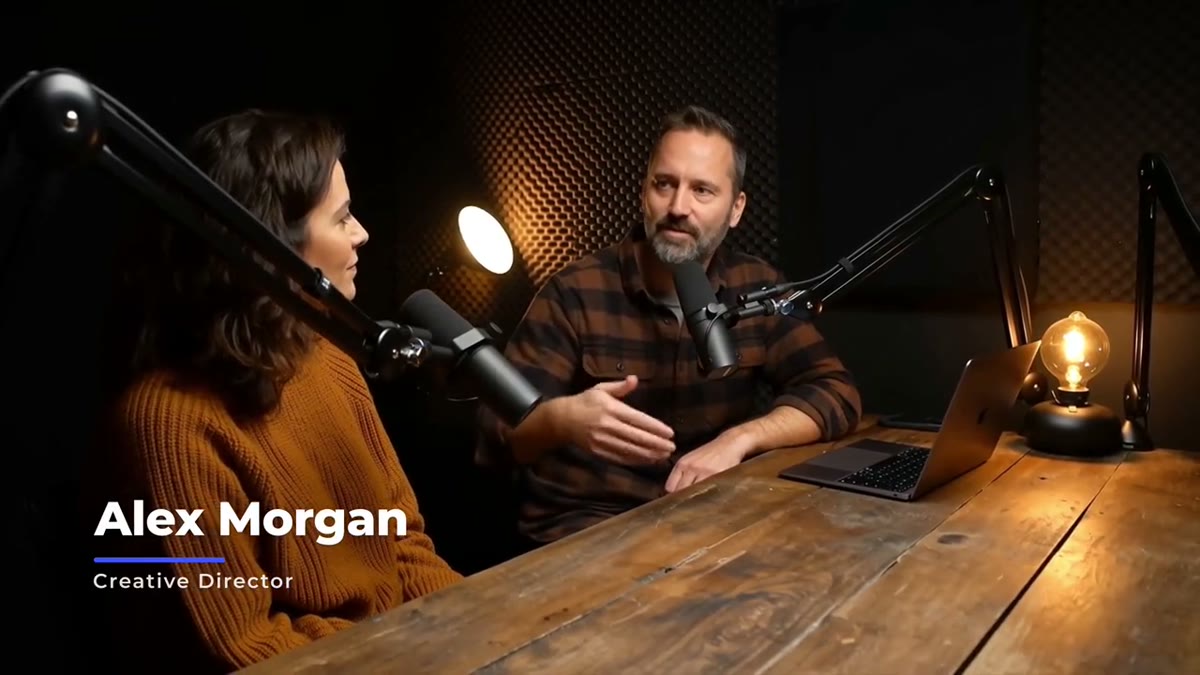
- Glide Lower Third: the name rises in letter by letter and an accent line sweeps under it. Clean, for interviews.
- Pill Lower Third: a pill that pops open with a soft bounce, an accent dot and a colored title tag.
- Ink Lower Third: a liquid panel that swells in, keeps a rippling edge and drains away.
- Glass Lower Third: real frosted glass. In After Effects it frosts whatever sits below it automatically.
- Liquid Glass Lower Third: a clear glass capsule that grows from a droplet and bends the shot like a lens.
The free Social Handle and Key Verse Lower Third also come with their After Effects projects, if you want to look inside one first.
Working in the After Effects project
- Open the .aep in After Effects 2023 or newer. The projects are built at 4K (3840x2160).
- Open the lower third's comp. Its controls are already set up in the Essential Graphics panel: text, colors and the options each template has.
- Type the name and title. The panel measures the text and resizes, so a long name doesn't spill out.
- Drop the comp into your project, or render it with alpha to use in another editor.
For the glass templates, there's nothing to connect in After Effects. The Glass Lower Third frosts the layers below it, and the Liquid Glass Kit uses a Background Clip layer that you replace with your footage.
Changing the design
The reason to buy a lower third with its project is that you can go past the controls: change the easing, add a logo, or rebuild the timing. Each template uses protected in and out regions, so after your changes you can export your own .mogrt from After Effects and the animations still keep their speed when someone trims the clip in Premiere. The Liquid Glass Kit adds one style control that restyles all 13 of its templates at once. The guide to making the Liquid Glass effect in After Effects goes deeper.
Lower thirds that read
Keep it to two lines, name and role, inside title safe, and test it over the brightest shot in the edit. The guide to lower thirds that read on any footage covers the rest. If you edit in Premiere, the same templates are on the Premiere Pro lower thirds page. After you buy, the files are in your library.