What glassmorphism means on video
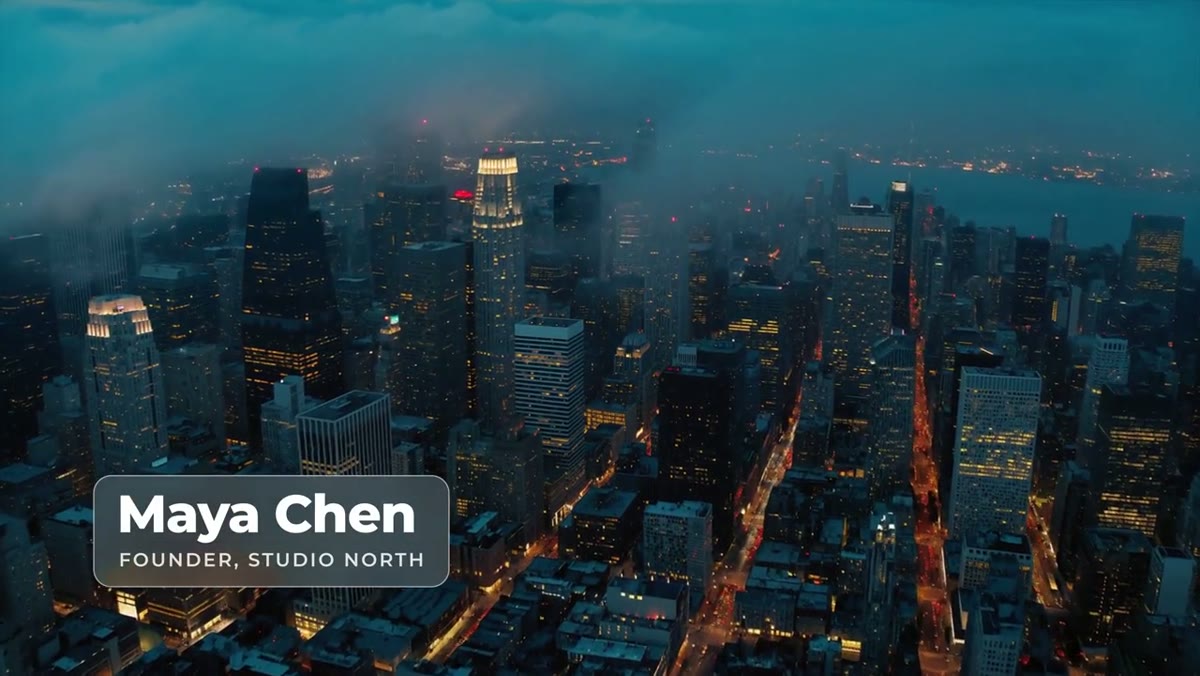
Glassmorphism, the frosted glass look from app and web design, has three ingredients: the background shows through, blurred; the pane is a little brighter than what's behind it; and a thin light edge defines the shape. In an interface it sits over a still wallpaper. On video the background moves, which is what makes it interesting: the pane picks up color and light from the shot as it changes.
The shortcut version, a white box at low opacity, gets none of that. It flattens the footage behind it and often makes the text harder to read, not easier.
How this one is built
Premiere renders every template as its own clip, so no template can see the tracks underneath it. The Glass Lower Third solves that with a Background slot: drag the same clip you're titling into it, and the pane blurs, brightens and saturates that footage, only inside the pane. On top sit a tint layer, a fine white edge, and a sheen of light that sweeps across as the graphic lands. Leave the slot empty and it shows smoked glass instead. In the After Effects project it frosts whatever sits below it, no slot needed.
- Background is the slot for your clip. Match its in point to the shot under the title so the frosted image lines up.
- Frost sets the blur amount. Low frost reads as clear glass, high frost as sandblasted.
- Glass tint sets how much color the pane adds. Raise it when the text needs more contrast.
- Padding sets the space around the text, and the pane resizes to the longer of the name and title as you type.
- Colors, animation length, position and scale are all in the Essential Graphics panel.
Getting it to read over footage
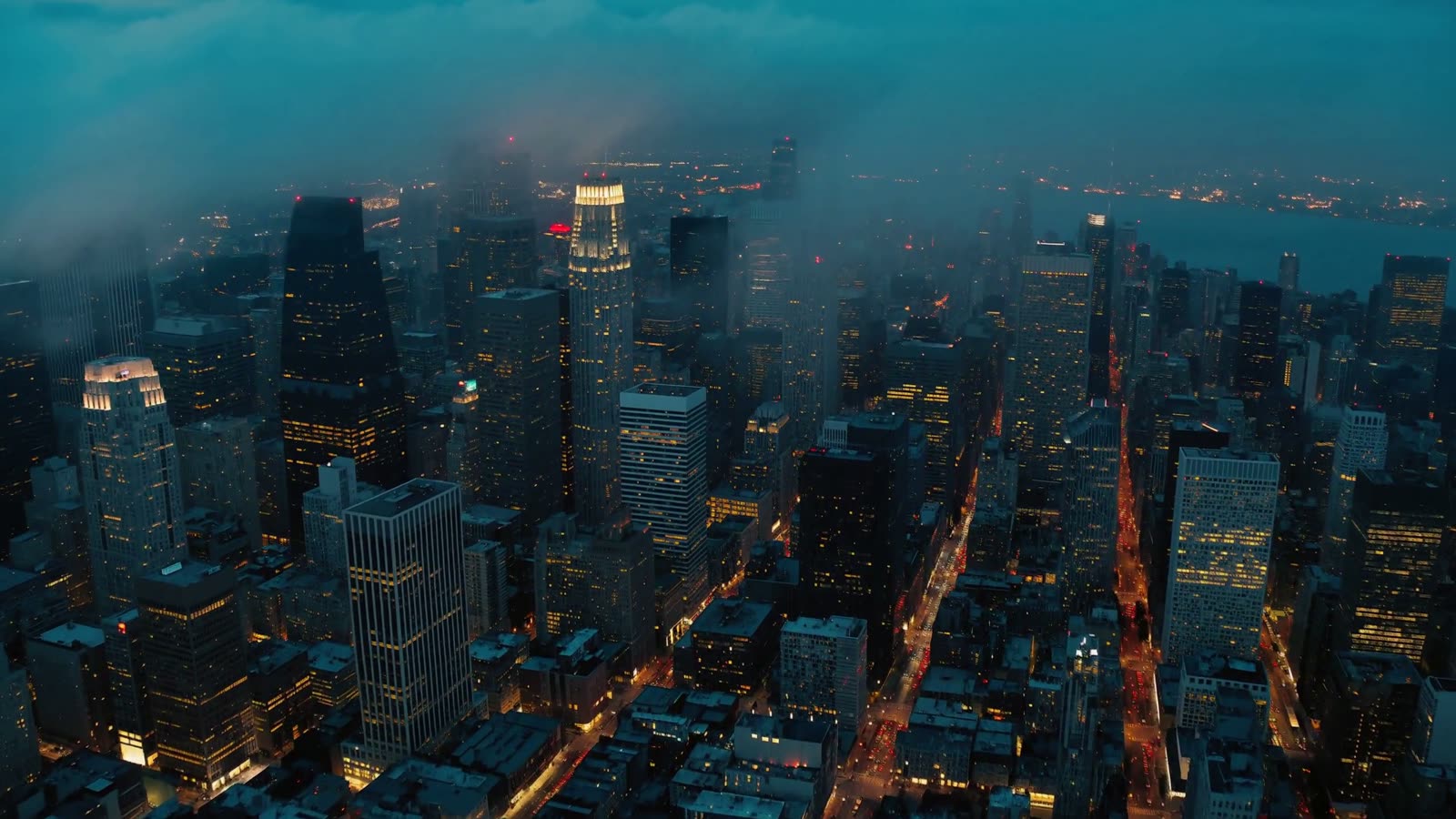
- Give it something to frost. The effect is strongest over footage with color and detail: a city, a room with practical lights, foliage. Over a flat dark wall there's little to blur, so raise the tint, or use a solid panel design such as the Glide Lower Third with its panel on.
- Bright backgrounds: the pane brightens what's behind it, so over a bright sky white text can wash out. Switch to a dark text color, or raise the tint with a darker color.
- Busy backgrounds: increase Frost until the detail behind the name turns into soft color.
- Test on your worst shot. Scrub through every shot the graphic sits over, not just the first one.
Placement, track order and playback
Put the template on a track above your footage and drop the same clip into its Background slot. If the shot under the name changes, use a fresh copy of the template for the new shot so the glass always frosts what's really behind it. Anything on tracks above the glass, such as a logo or burned-in captions, stays sharp.
Keep it inside title safe, at least 5% in from the edges, and on the open side of the frame away from the speaker's face. Glass draws the eye more than a flat panel, so save it for the names that matter: the host, the guest, the brand. Pair it with plainer graphics elsewhere in the edit; glass on every title stops feeling special by the third one.
Blur is one of the heavier effects to play back. If playback stutters, drop the Program Monitor to half resolution or render the section with Sequence, Render In to Out.
Doing it by hand, and why a template helps
You can build frosted glass in Premiere yourself: copy the clip onto the track above, add Gaussian Blur and Brightness and Contrast to the copy, mask it to the shape of the pane, then add an edge, a sheen and your text. It works, but it's a stack of clips and masks per shot, and the mask doesn't follow the length of the name.
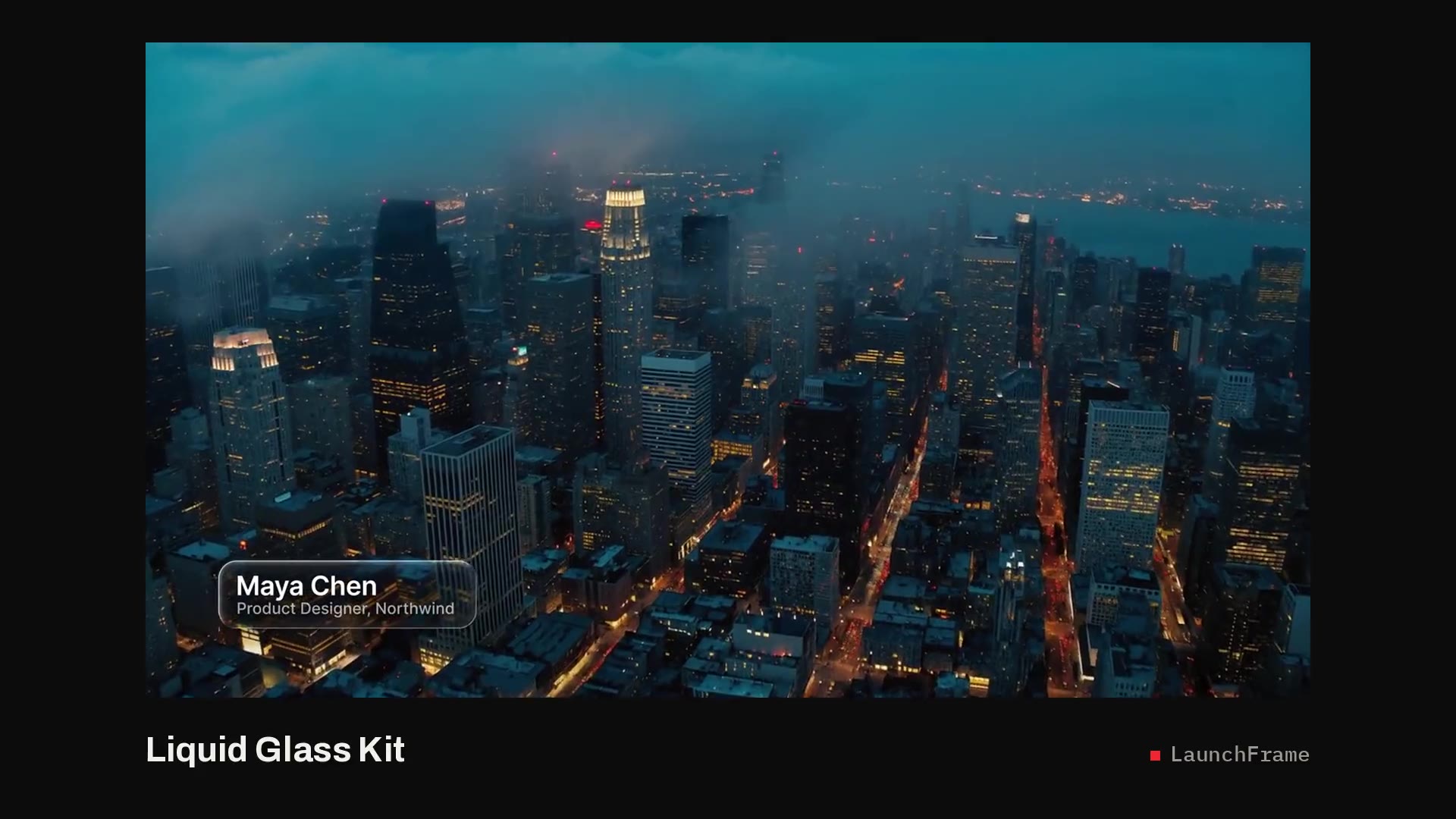
The template packs all of that into one clip: drop it on the timeline, drop your shot into the slot, type the name. The pane sizes itself to the text and the sheen and edge come with it. It's part of the Signature Pack, six showpiece templates for $49, alongside the Ink Lower Third and Kinetic Stack. For a plainer everyday option, see the Pill Lower Third. For a whole set of glass graphics that also bend the shot behind them, see the Liquid Glass Kit: thirteen lower thirds, titles and callouts. One of them, the Liquid Glass Pill, is free.