Shaded ends are the protected intro and outro: they play at full speed at any length.
Essential Graphics live
Responsive timing
Any clip length, same great moves
Rounded, bright and made for YouTube, podcasts and social videos. The pill pops open with a gentle overshoot, an accent dot lands and a colored tag slides out below.
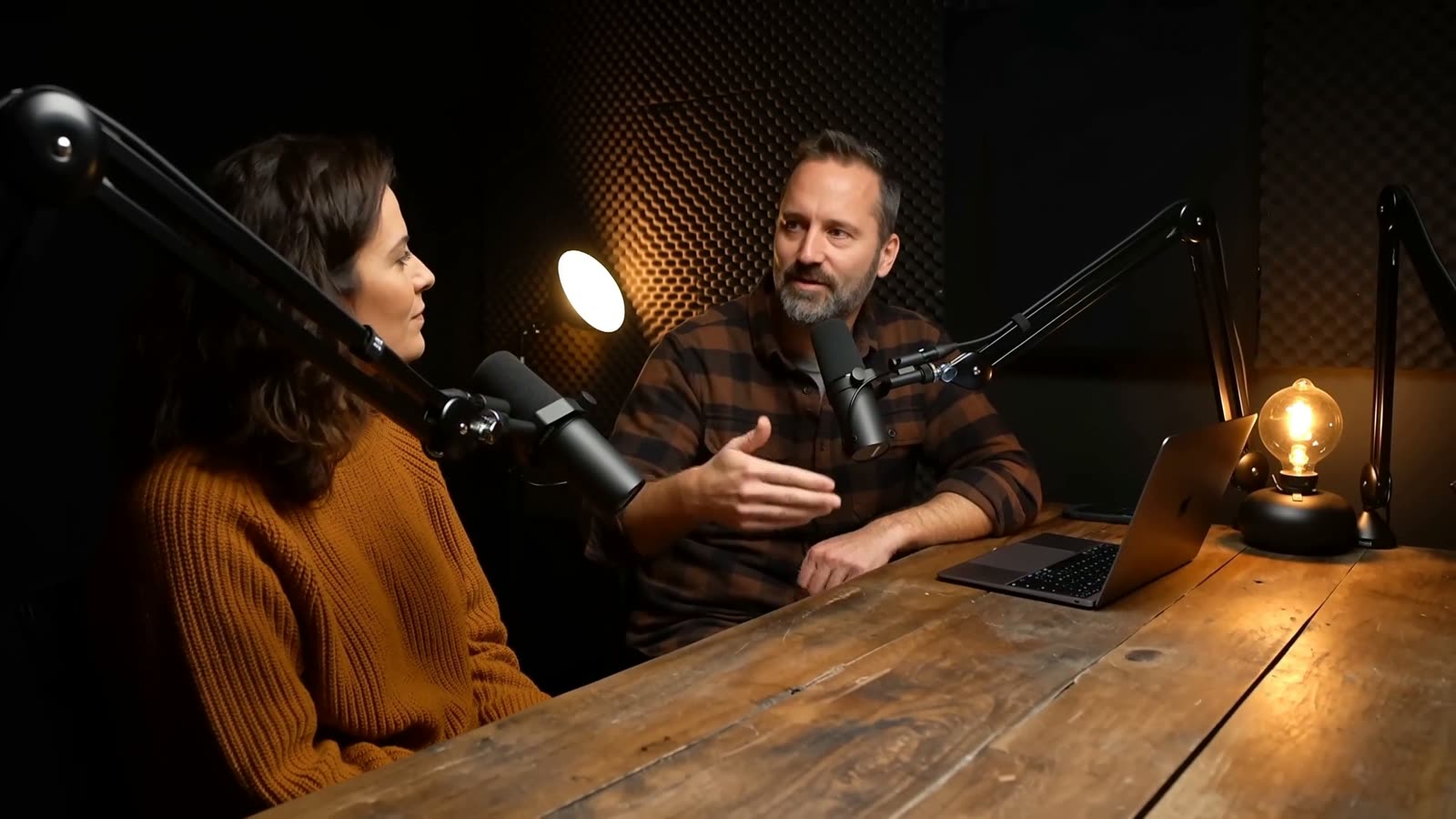
3 s clip
6 s clip
12 s clip
Questions
Do I need After Effects?
No. Every template is a Premiere Pro Motion Graphics template (.mogrt) that works on its own. The After Effects project is included if you want to change the design itself.
What versions do they work with?
Premiere Pro 2023 or newer for the .mogrt files, After Effects 2023 or newer for the projects. No plugins.
Can I trim them to any length?
Yes. The in and out animations sit in protected regions, so Premiere keeps them at full speed and stretches only the middle when you trim or extend the clip. The countdown is the exception: it runs in real time, so you trim it to the length you need.
Can I use them in client work and monetized videos?
Yes. Use them in unlimited personal and client videos, including monetized, broadcast and paid projects. You can't resell or share the template files themselves.
What font do they use?
Mostly Montserrat, plus the fonts listed on each pack's page. All of them are free, the font files are included in the download, and you can switch to any font you own.
How do I get the files?
Right after checkout you land on a download page. The link in your confirmation email opens the same page any time, and you can request your links again from that page.
What if it doesn't work for me?
Email hello@launchframe.io within 14 days and I'll fix it or refund you.
- Formats
- Premiere Pro .mogrt, After Effects .aep
- Software
- Premiere Pro 2023+, After Effects 2023+
- Resolution
- 3840 × 2160 (4K), scales to any sequence
- Length
- Any: protected in and out
- Plugins
- None
- Fonts
- Montserrat (free, included)
Straight out of After Effects
The actual template, rendered at 4K over footage. The live version above runs in your browser; this is what lands on your timeline.
Goes well with
Guides for this
- Lower thirds that read on any footage: 6 broadcast rulesPractical rules for lower thirds that stay legible: title-safe margins, contrast, hold time, line count, placement and animation speed.
- Free lower third templates for Premiere ProFour free lower third templates for Premiere Pro, including a liquid glass pill. Each is a .mogrt plus a 4K After Effects project, free for client work.
- Premiere Pro lower thirds that fit whatever you typePremiere Pro lower thirds that resize to your text and animate at any clip length. Seven styles, two of them free, each a .mogrt with a 4K AE project.
- MOGRT templates: what they are and how to use themMOGRT templates explained: what a .mogrt file is, how to install one in Premiere Pro, what you can edit, and how to fix missing fonts and slow playback.
- A glass lower third that actually frosts the videoA glass lower third for Premiere Pro that blurs, brightens and saturates your shot through its Background slot. Frost and tint controls; fits your text.