What a MOGRT file is
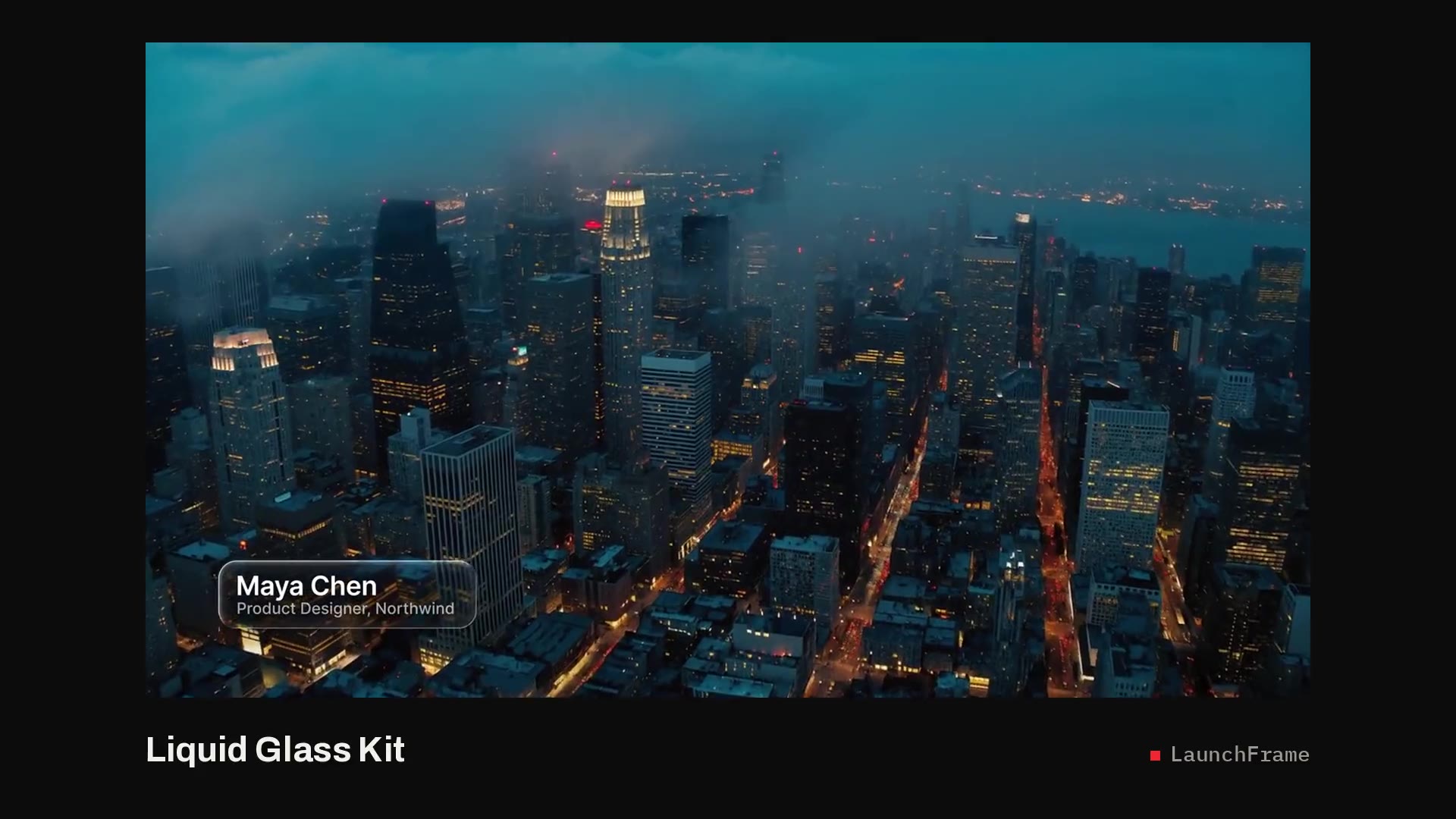
MOGRT stands for Motion Graphics Template. It's a single file that packages an animated graphic with the controls its designer chose to expose: text fields, colors, checkboxes, sliders, position. In Premiere Pro those controls appear in the Essential Graphics panel, or the Properties panel in recent versions. Everything else about the animation stays locked.
There are two kinds. MOGRTs made in Premiere are simple shape and text graphics. MOGRTs made in After Effects can use anything After Effects can do, such as expressions, per-letter animation and blurs, and Premiere plays them without After Effects installed. All LaunchFrame templates are the After Effects kind, and each one also ships with its original 4K After Effects project.
How to install a MOGRT in Premiere Pro
- Unzip the download. The file you need ends in .mogrt.
- In Premiere, open the Graphics and Titles menu (Graphics in older versions) and choose Install Motion Graphics Template.
- Pick the .mogrt. Premiere copies it into your local templates folder, so you do this once per template, not once per project.
- Open the templates browser (the Browse tab of Essential Graphics, or the Graphics Templates panel in recent versions), search for the name, and drag it onto a track above your footage.
If your team shares a Creative Cloud Library, you can keep templates there so everyone sees the same set. A LaunchFrame license covers one person or one organization's team.
What makes a good MOGRT
You can only change what the designer exposed, so a MOGRT is only as good as its controls. Before you buy any MOGRT template, check:
- Does the box resize to the text? If not, every long name means a manual fix.
- Does it handle any clip length? Good templates use protected intro and outro regions, set with After Effects' Responsive Design time controls, so trimming changes the hold and not the animation speed.
- Are colors and position exposed? You should be able to match a brand without opening After Effects.
- Does it need plugins? A MOGRT that depends on a third-party plugin fails on any machine that doesn't have it.
- Are the fonts included and licensed for commercial video?
Every LaunchFrame template lets you edit text, colors, timing and position, resizes its panels to the text, trims to any length and needs no plugins. The fonts are included: Montserrat, Playfair Display or Unbounded, all under the SIL Open Font License.
Fixing the common problems
- Missing font warning: install the font named in the warning (LaunchFrame downloads include the font files), or activate it free in Adobe Fonts.
- Slow or stuttering playback: After Effects MOGRTs render as they play. Drop playback resolution to half or quarter, or render previews with Sequence, Render In to Out.
- Template missing from the browser: make sure you're looking at Local Templates rather than stock results, then search by name.
- Text cut off: the template's box is a fixed size. Shorten the text, or use a template that sizes itself.
- Template won't open: check the version requirement. LaunchFrame templates need Premiere Pro 2023 or newer.
Changing the design itself
When you need something the controls don't offer, like different easing, an extra layer or your logo built in, open the included After Effects project. It's built at 4K (3840x2160) with the controls already set up in the Essential Graphics panel, so after your changes you can export your own .mogrt from After Effects for your projects and install it the same way. The project needs After Effects 2023 or newer.
To see how one is put together, start with a free one: the Social Handle is a complete MOGRT plus its After Effects project. For everyday work, the Pill Lower Third and Glide Lower Third are the most-used kind of MOGRT, and LaunchFrame Unlimited has every pack in the store.