Two kinds of zoom transition
When people search for a zoom transition, they usually mean one of two things:
- A zoom into the footage itself, where the shot pushes in fast and the next one arrives already zoomed. You build that in Premiere with Scale keyframes or the Transform effect, which has its own motion blur through Shutter Angle.
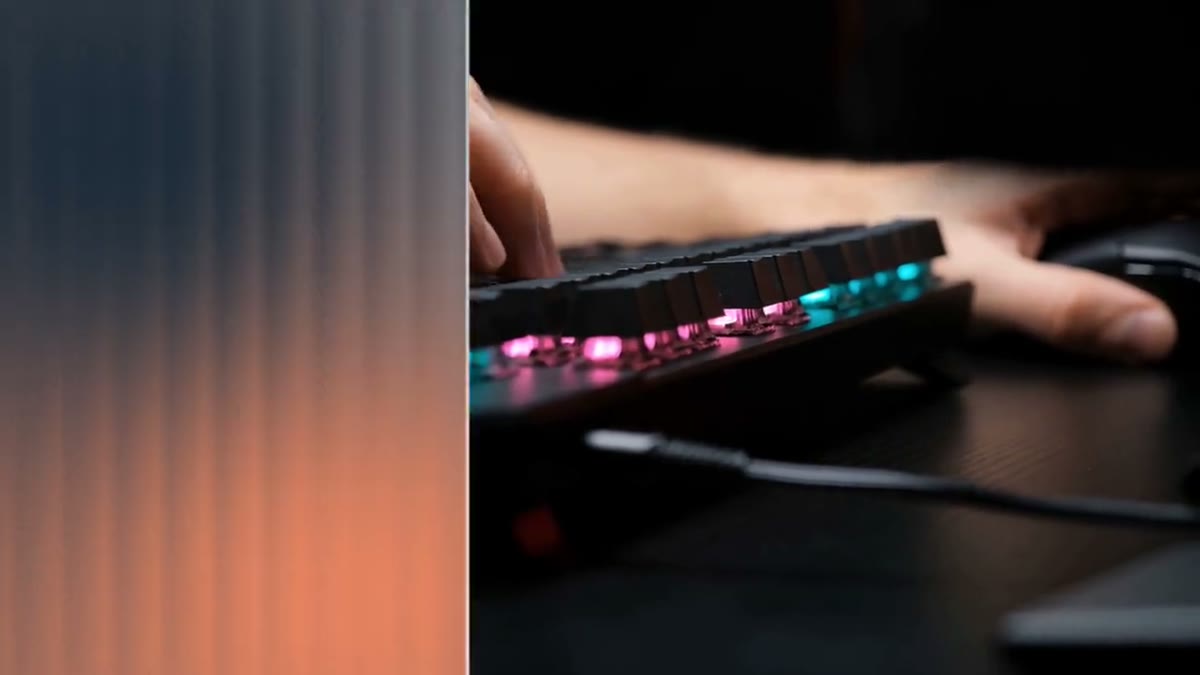
- A graphic zoom that flies at the camera and covers the cut. That's what Zoom Through is.
To be clear about it: Zoom Through doesn't move or blur your footage. Premiere doesn't let a template see the clips under it, so the transition is drawn on top and hides the cut at its midpoint. That's why it works over any footage at any resolution.
Using it in Premiere
- Install the .mogrt (Graphics and Titles, Install Motion Graphics Template).
- Drag it onto the track above a cut and center it on the cut.
- Trim the clip to change the speed. Shorter plays faster. The Speed control does the same without changing the length.
- Set the three colors, Zoom in or Zoom out, the corner radius and the frame line weight in the Essential Graphics panel.
Zoom out plays the whole move in reverse, which works for a step back, like leaving a detail shot for a wide one.
Whip streaks for a faster cut
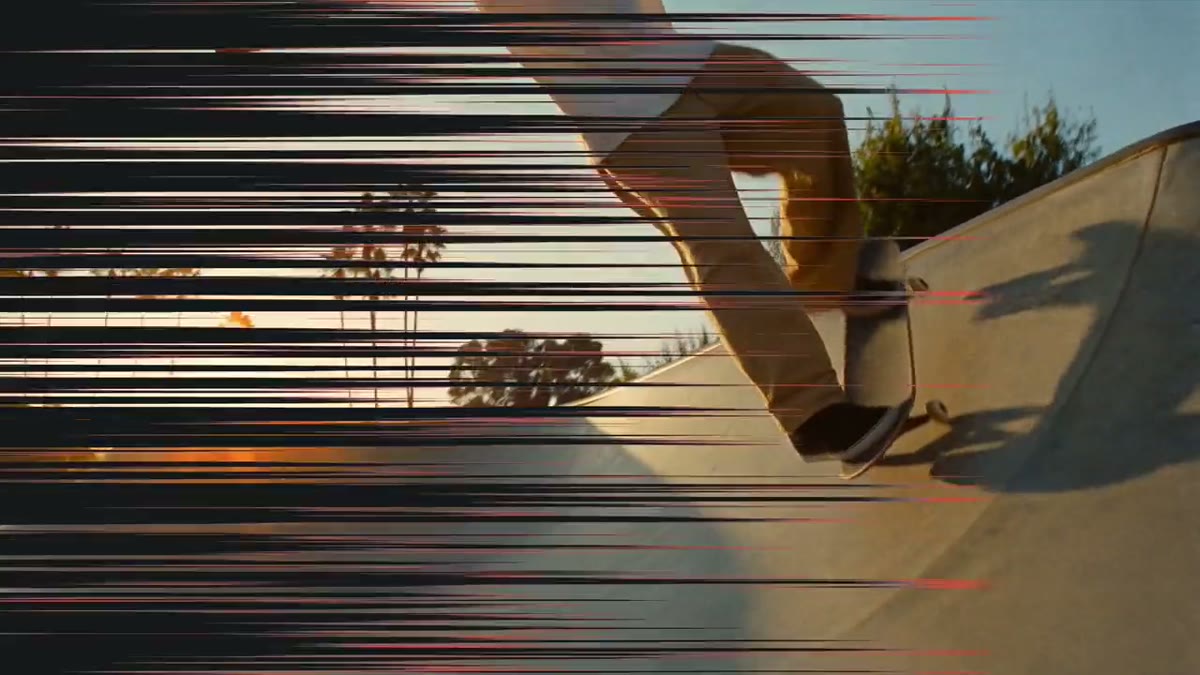
If the cut needs speed more than depth, Whip Streaks is the sideways version: long streaks race across like a whip pan, with motion blur, close into a solid frame at the cut and thin out again. It has four directions, and motion blur and streak size are adjustable.
Both are in the Transitions Pack, fourteen transitions for $39, each in 16:9 and a matching 9:16 for Shorts, Reels and TikTok. After you buy, they're in your library.
Getting zoom cuts to feel right
- Match the direction. Zoom in when the edit moves closer to the subject, and out when it pulls back.
- Use them on beats. A zoom transition reads as energy, so place it on a hit in the music or a turn in the story, not on every cut.
- Keep the colors from your video. Sample a color from the shots on either side so the panel feels part of the edit.