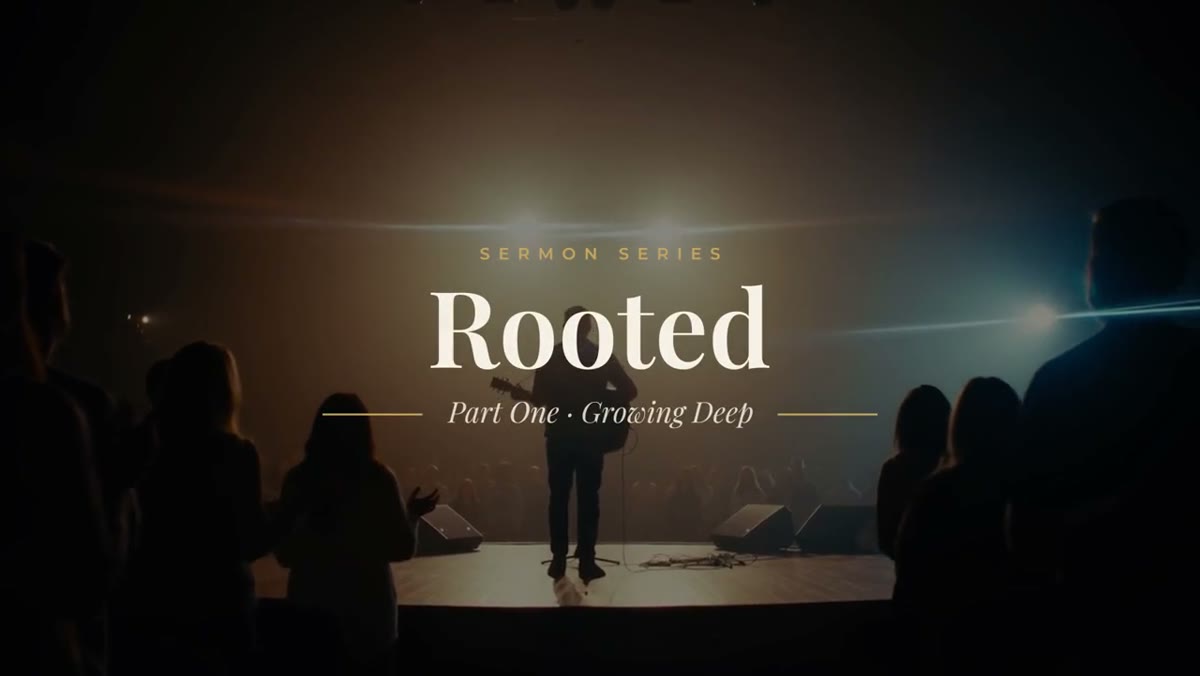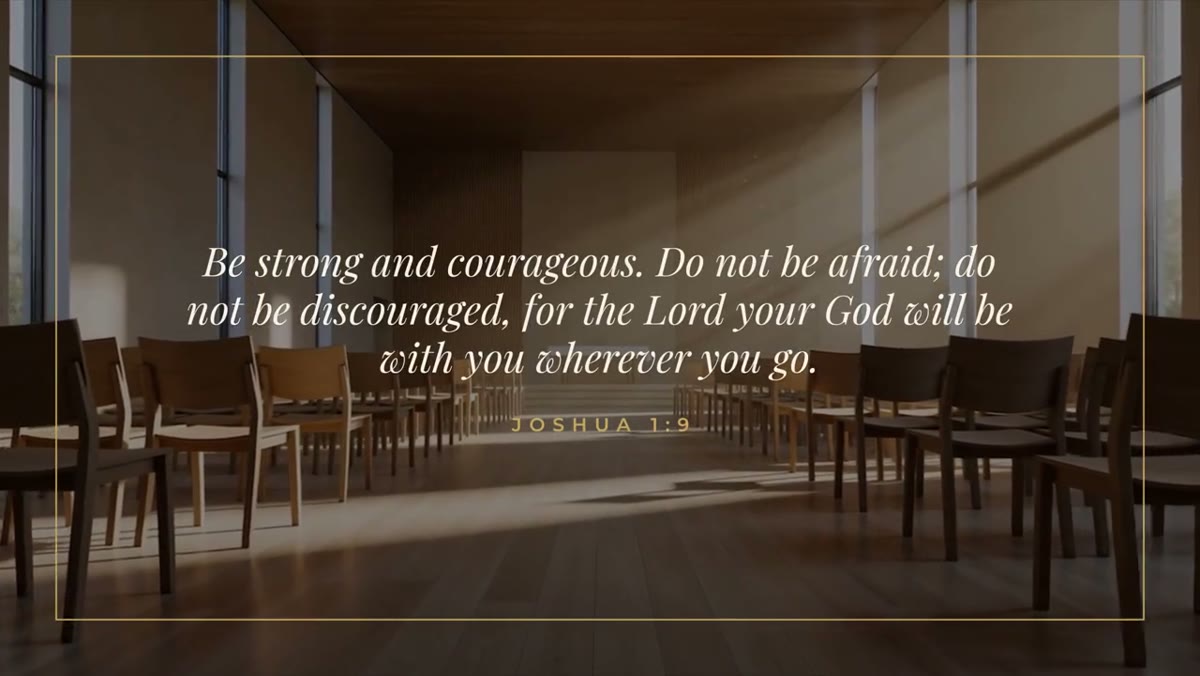
A graphic for each part of the service
Walk through a typical livestreamed service and the graphics fall into place:
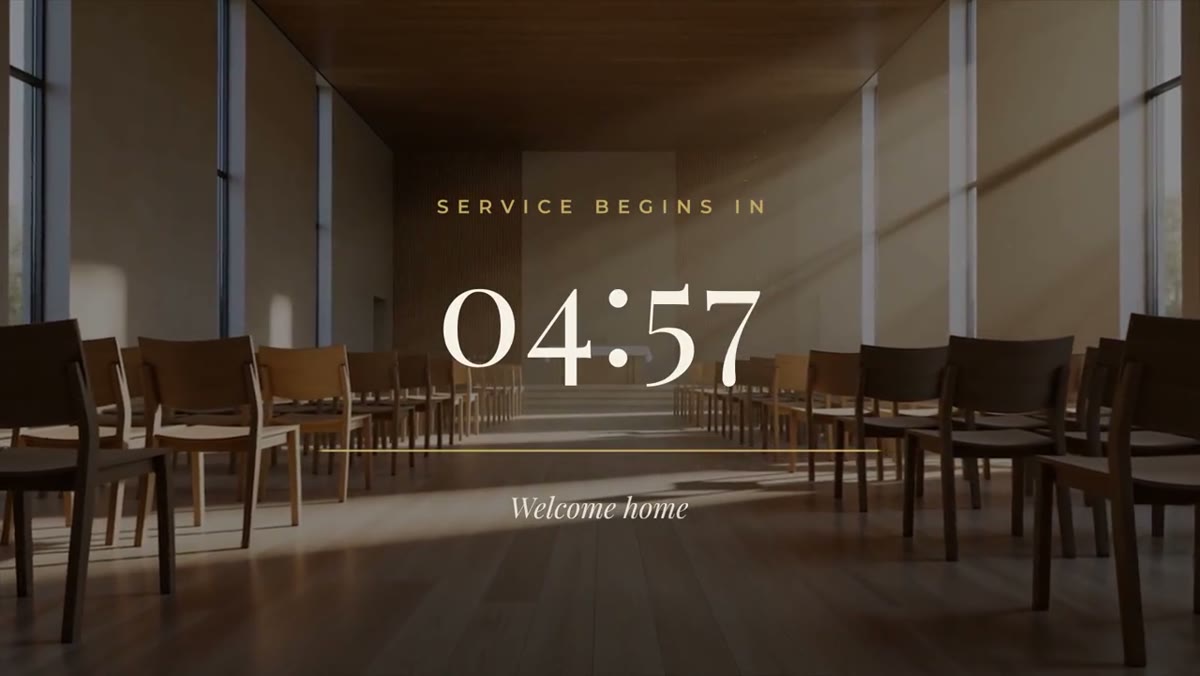
- Before the service: Service Countdown, a real-time MM:SS clock in serif type with a gold line that shortens as the time runs out and a welcome line. It counts down from up to 20 minutes.
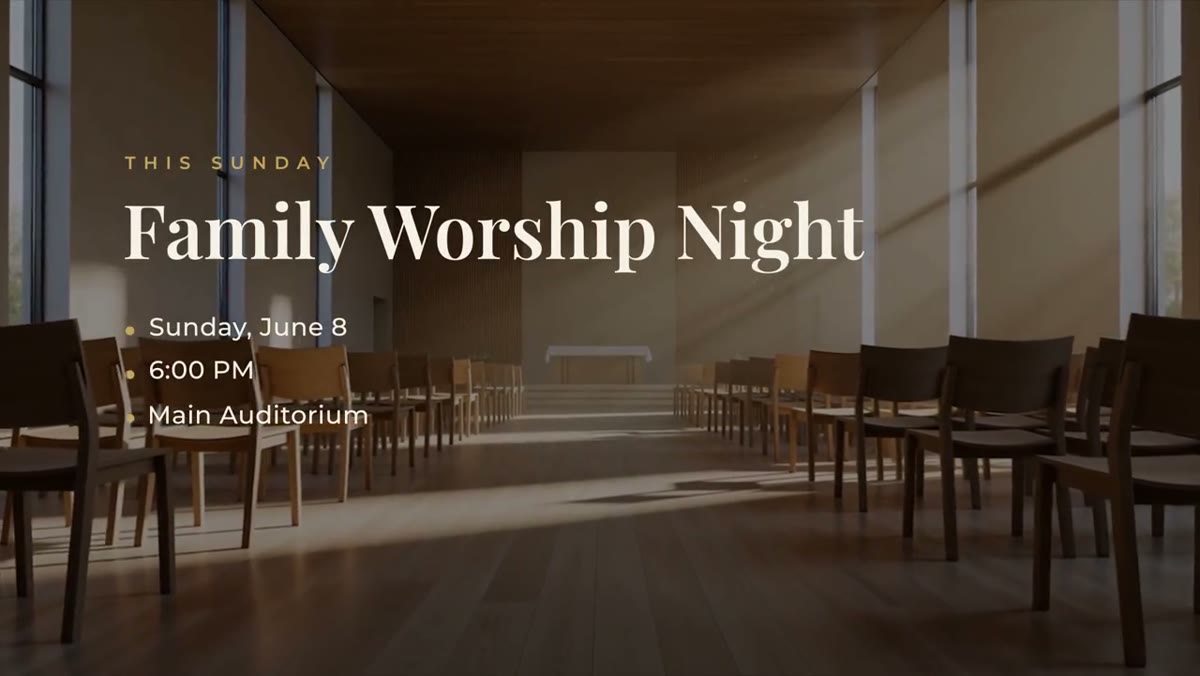
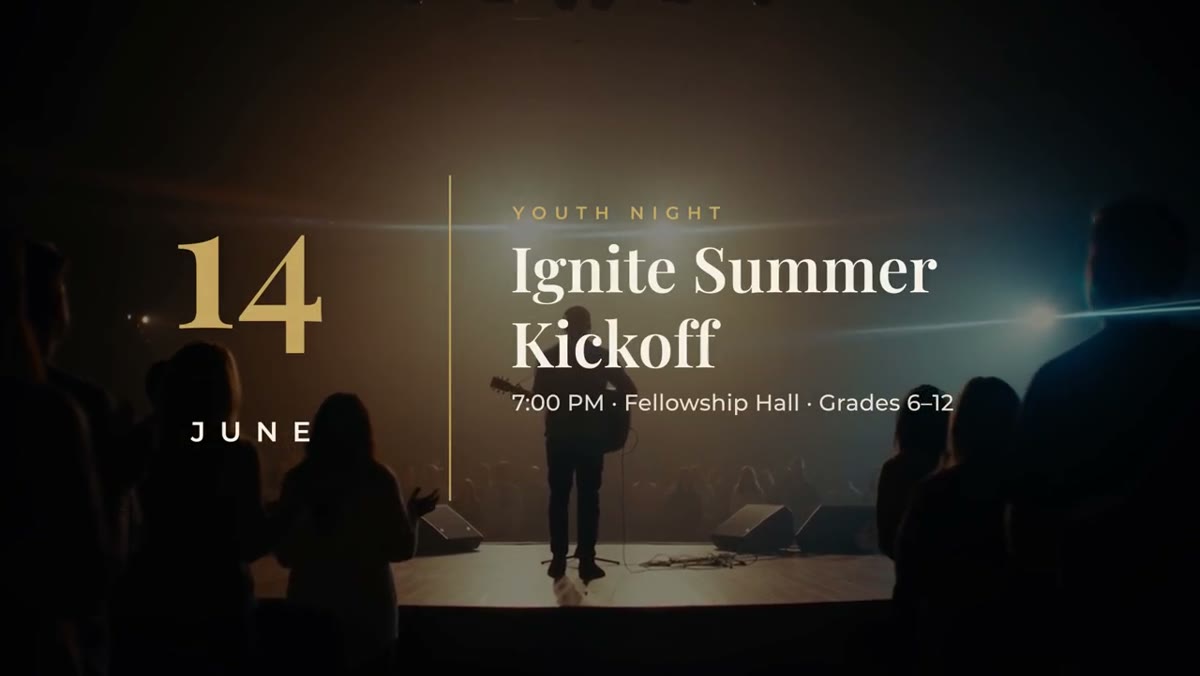
- Announcements: Announcement Card for a title with date, time and place, and Event Promo with a big date block for the event you most want people at.
- Worship: Lyric Lines, two centered lines over a soft band that fade in word by word.
- The message: Scripture Card, Sermon Series Title, Sermon Point and Speaker Lower Third.
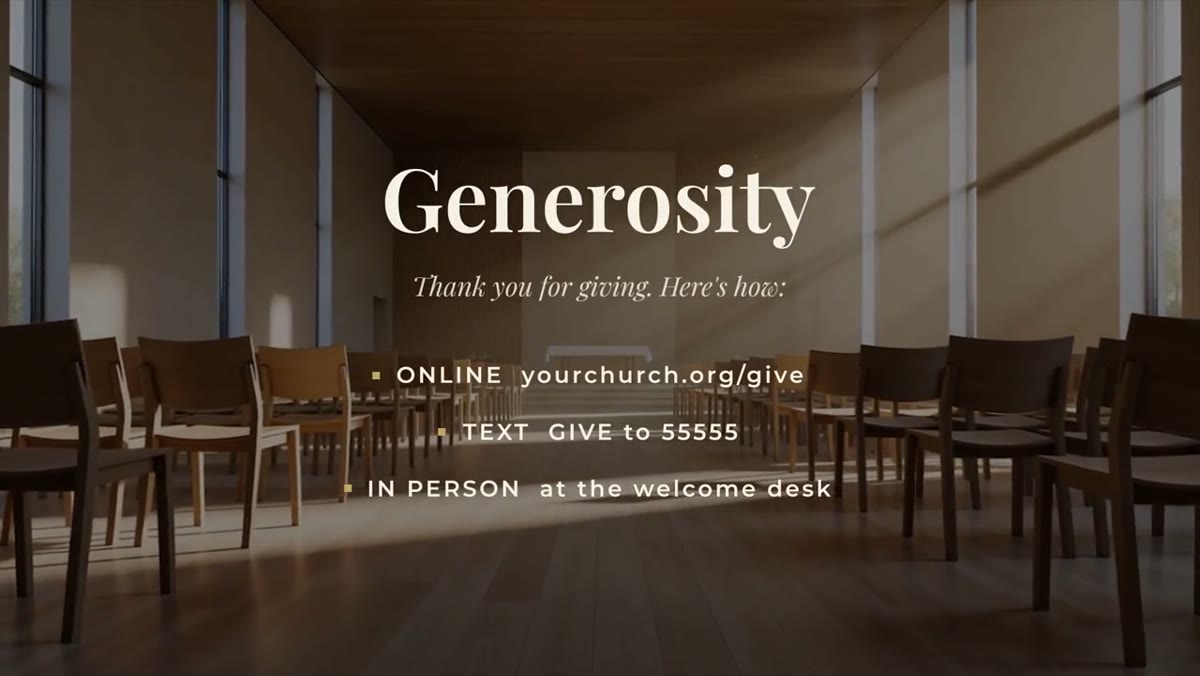
- Response: Giving Card with three ways to give, such as online, by text and in person.
They share a warm cream, navy and gold palette, all editable, and two free fonts, Playfair Display and Montserrat, that ship in the download.
Where Premiere fits in a live service
Most church streams run on streaming software, a video switcher, presentation software or a mix of all three. Premiere doesn't replace any of them. It's where you prepare the pieces that don't change during the service, and where you edit the archive afterward.
- Clips you play live. Export the countdown, announcements and giving slide as video files with the background on, and play them from your streaming or presentation software at the right moment.
- Transparent overlays. Export lower thirds, or full-screen cards with the background switched off, with an alpha channel. ProRes 4444 is a common choice. Check that your playback software handles transparent video well before service day.
- The edited archive. After the service, add speaker names, scripture and sermon points to the recording in Premiere before it goes to YouTube or your website.
For lyrics sung live, your presentation software is still the right tool, because songs change on the fly. Lyric Lines is for edited worship videos: song releases, recaps and the service archive.
Readable on a phone
Many people in an online congregation watch on a phone, often with the video small at the top of the screen. Design for that screen, not the big monitor in the booth.
- Keep verses short. Twenty to thirty words per card is plenty. Split longer passages across several cards.
- Two lyric lines, no more. Lyric Lines is built around two lines for this reason. Break lines at the end of a phrase, not mid-thought.
- Use the band and panels. Stage lighting changes constantly. Lyric Lines has an adjustable band opacity, and the lower thirds have an optional soft panel.
- Stay inside title safe. Keep text at least 5% from every edge.
The countdown before the service
The countdown is the first thing online viewers see, and it tells them the stream is working. Set the Countdown from field in seconds (300 for five minutes, 600 for ten, 1200 for twenty), then trim the clip to that length plus a few seconds so the moment it reaches zero is on screen.
It runs in real time, so a ten-minute countdown takes exactly ten minutes. Start playback that far ahead of the service. If your stream opens more than twenty minutes early, run announcements or a holding slide first and start the countdown for the final stretch.
Working with a volunteer team
Church media teams rotate. Because everything is edited in Premiere's Essential Graphics panel, anyone who can cut a timeline can update the words, with colors, fonts and timing already set. Keep one sequence of styled graphics for the current series and copy from it for each service.
The Church & Ministry Pack has all ten templates for $39. One license covers your church's whole team, for unlimited services, streams and videos. Checkout is through Stripe, and the download is ready straight away.