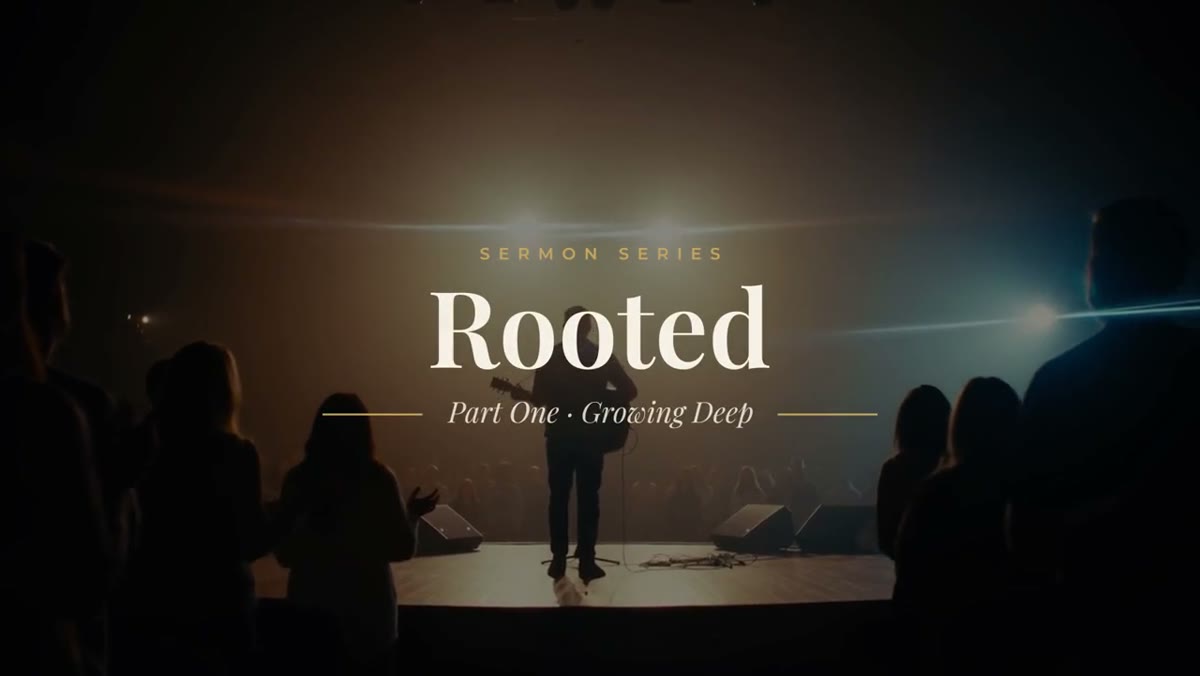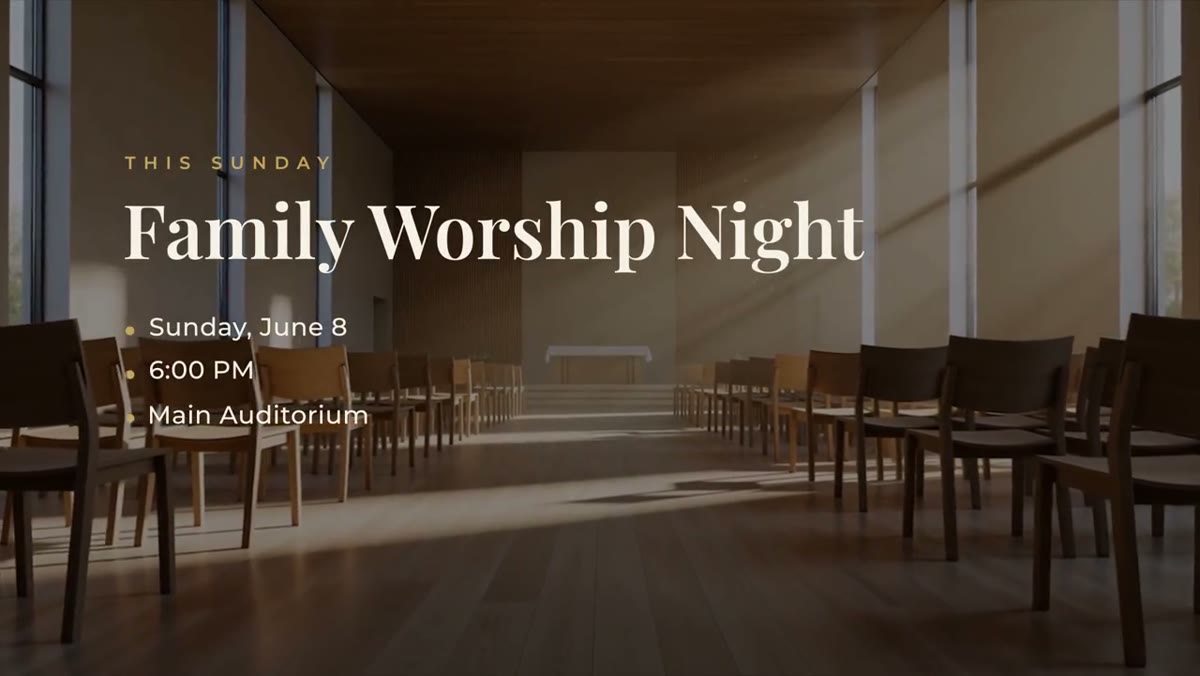
Three slides for the announcement segment
Most announcement segments come down to three kinds of slide, and the Church & Ministry Pack has one for each:
- Announcement Card: a kicker, a big serif title and three detail lines for date, time and place, each with a gold marker.
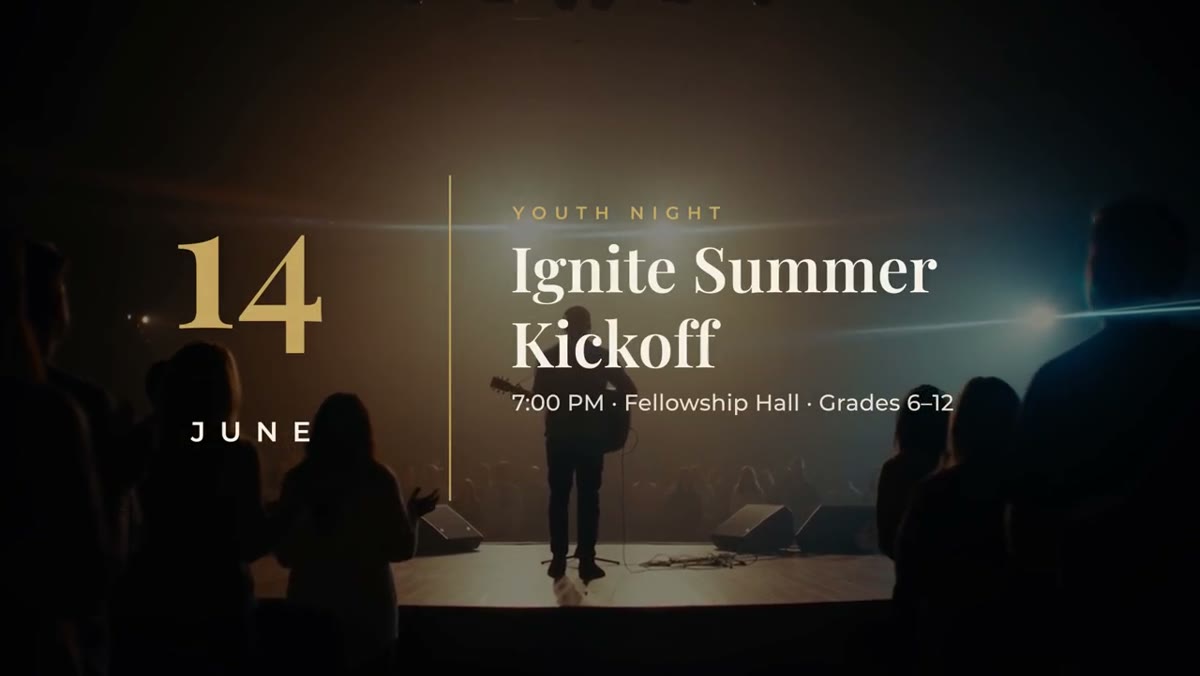
- Event Promo: a big date block, a gold divider, the event title in serif type and a details line. For the one event you want people to put in their calendar.
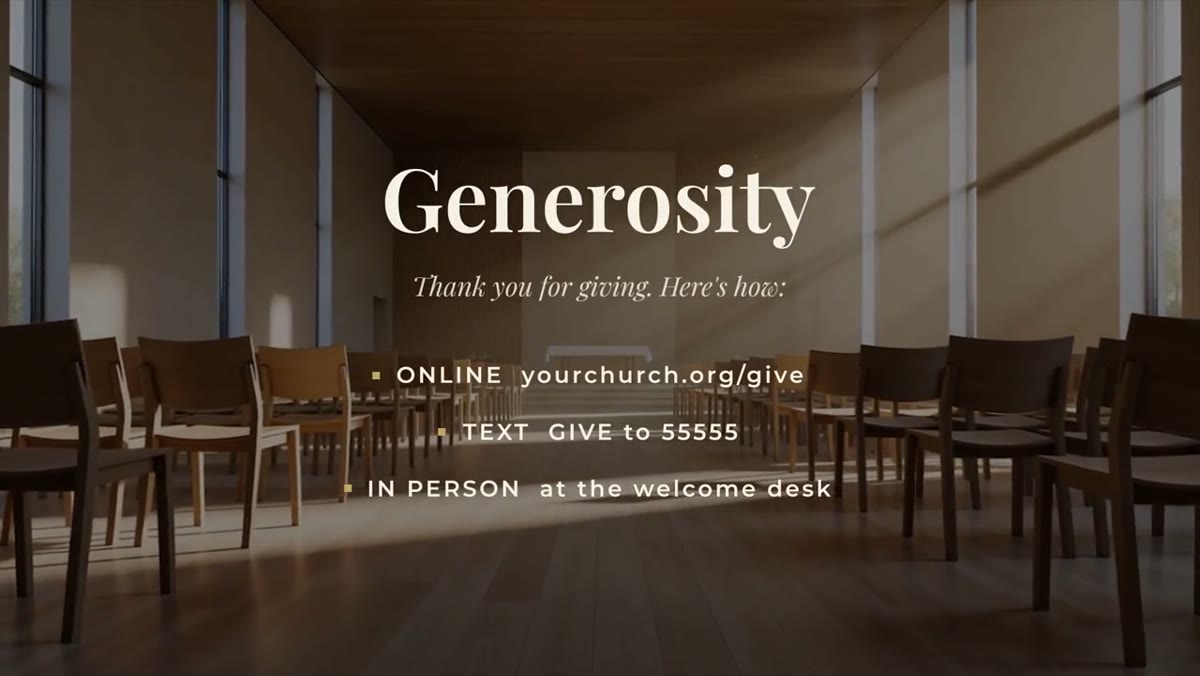
- Giving Card: a serif title, a thank-you line and three ways to give, such as online, text and in person.
All three share the pack's cream, navy and gold palette and the Playfair Display and Montserrat fonts, which are free and included.
Updating it each Sunday
- Install the .mogrt files once in Premiere Pro 2023 or newer.
- Keep a sequence with one styled copy of each slide.
- Each week, duplicate the sequence and change only the words in the Essential Graphics panel.
- Export each slide as a short video for your presentation or streaming software, or cut them straight into your announcement video.
Colors, fonts and timing stay set, so whoever is on the media team that week gets the same result. Switch the background off on any slide to lay it over your own footage or series artwork.
Writing announcements people remember
- One event per slide. Three events on one card means nobody remembers any of them.
- Lead with what it is, not the ministry that runs it. Youth Night reads faster than Student Ministries Presents.
- Keep detail lines short. Date, time and place each fit on one line. Put registration details on your website and say where to find them.
- Read it on a phone. Much of an online congregation watches on a small screen, so check the slide at phone size before Sunday.
The rest of the service
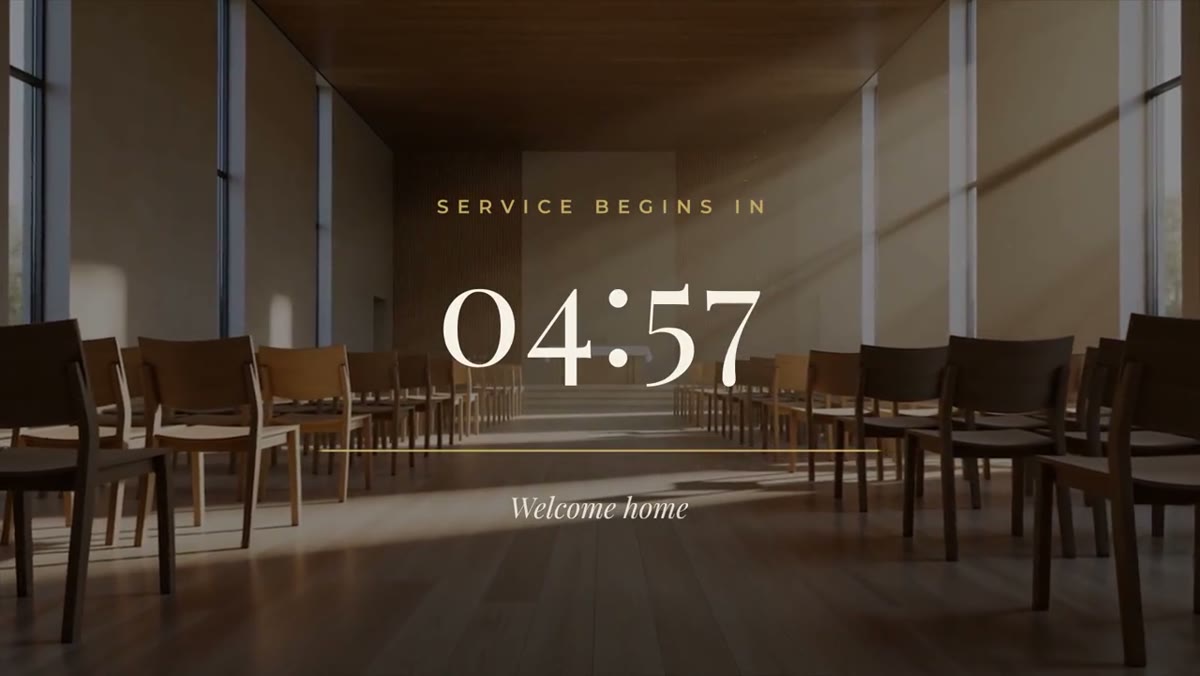
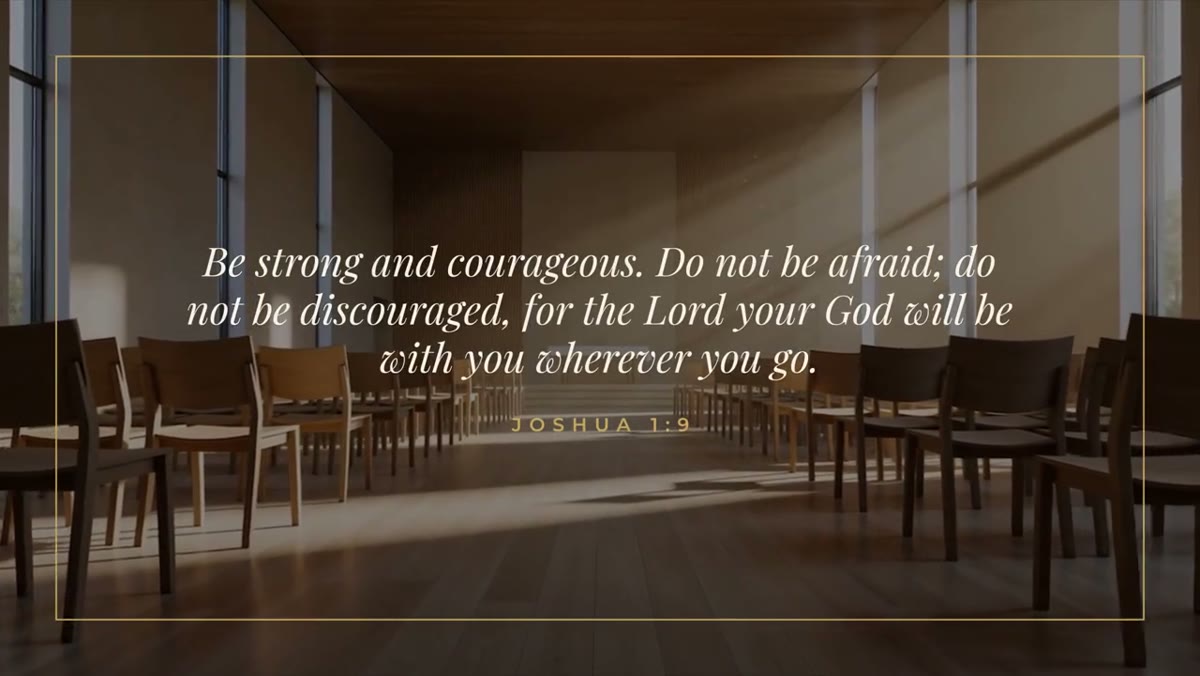
The same pack covers the rest of a livestreamed service: a Service Countdown, Scripture Card, Lyric Lines and sermon graphics. It's ten templates for $39, and one license covers your church's team. After you buy, the files are in your library. For how the set fits a whole service, see church media templates for livestreamed worship.