Why a countdown before service
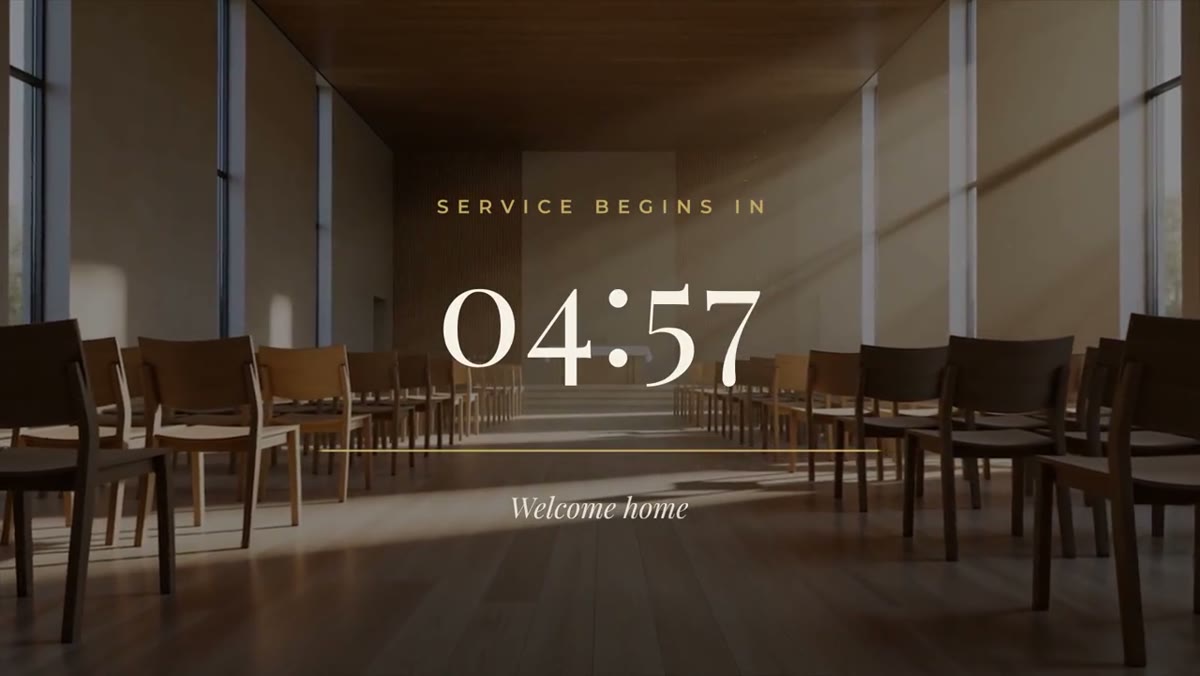
For people watching online, the countdown is the first thing they see. A clock that's clearly moving tells them the stream is working and when to expect the start. In the room, it tells people when to find a seat.
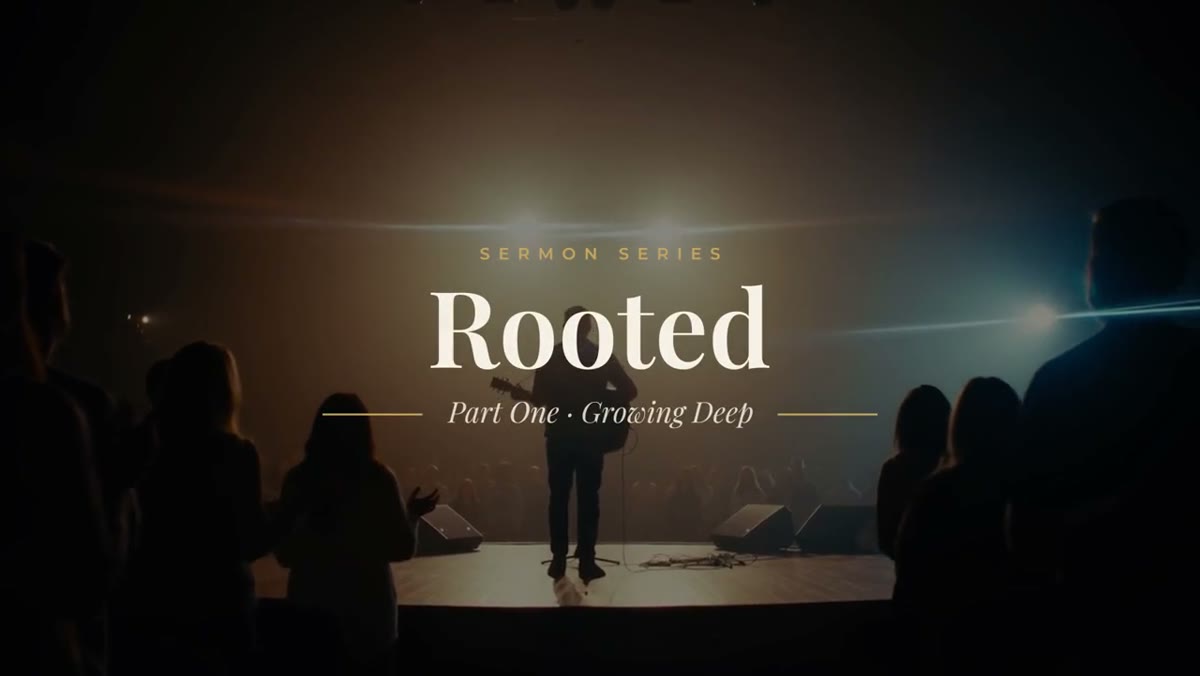
The Service Countdown keeps it calm: Playfair Display numbers, a thin gold line that shortens with the time left and a welcome line underneath, in the cream, navy and gold of the Church & Ministry Pack.
Run it live in OBS
If your church streams with OBS, the countdown can run live from a link, with nothing to export:
- Sign in to your library and copy the private Browser Source URL for Service Countdown.
- In OBS, add a Browser source, paste the URL and set it to 1920x1080.
- Add your options to the end of the URL with
&:&target=10:30counts down to the next 10:30 on that computer,&minutes=10counts down ten minutes,&headline=Worship%20begins%20inchanges the headline, and&accent=%23c9a45csets the line color.
Counting to a set time is the safe choice for a service: the clock reaches zero at 10:30 whenever you switch to the scene, and a reload doesn't restart it. The background is transparent, so it sits over a worship loop or your stage shot. The full steps are on the Service Countdown OBS setup page.
Or export it from Premiere Pro
For presentation software, a video switcher or an in-room screen, use the Premiere Pro .mogrt:
- Set Countdown from in seconds: 300 for five minutes, 600 for ten, up to 1200 for twenty.
- Trim the clip to that length plus a few seconds, so zero is on screen.
- Edit the label and welcome line, then export it and play it like any other video.
Don't change the clip's speed, because the clock runs on the clip's own time. For the details, see the countdown timer template for Premiere Pro page.
What to put behind it
A slow background keeps the countdown from feeling like a waiting room. The Worship Loops Pack has six 4K loops, such as Light Rays and Horizon Fog, made to sit behind type. If you want something less traditional, the Flip Clock Countdown also runs live in OBS. The Church & Ministry Pack is ten templates for $39.