How Twitch alerts work
Twitch doesn't draw alerts on your stream itself. An alert service such as StreamElements or Streamlabs watches your channel for follows, subs and tips. It gives you an alert box, which you add to OBS as a Browser Source. When something happens, the alert box plays the video and sound you picked and writes the viewer's name, and the amount for a tip, on top.
So the part you're choosing is the animation. That's what these templates are.
The alert templates
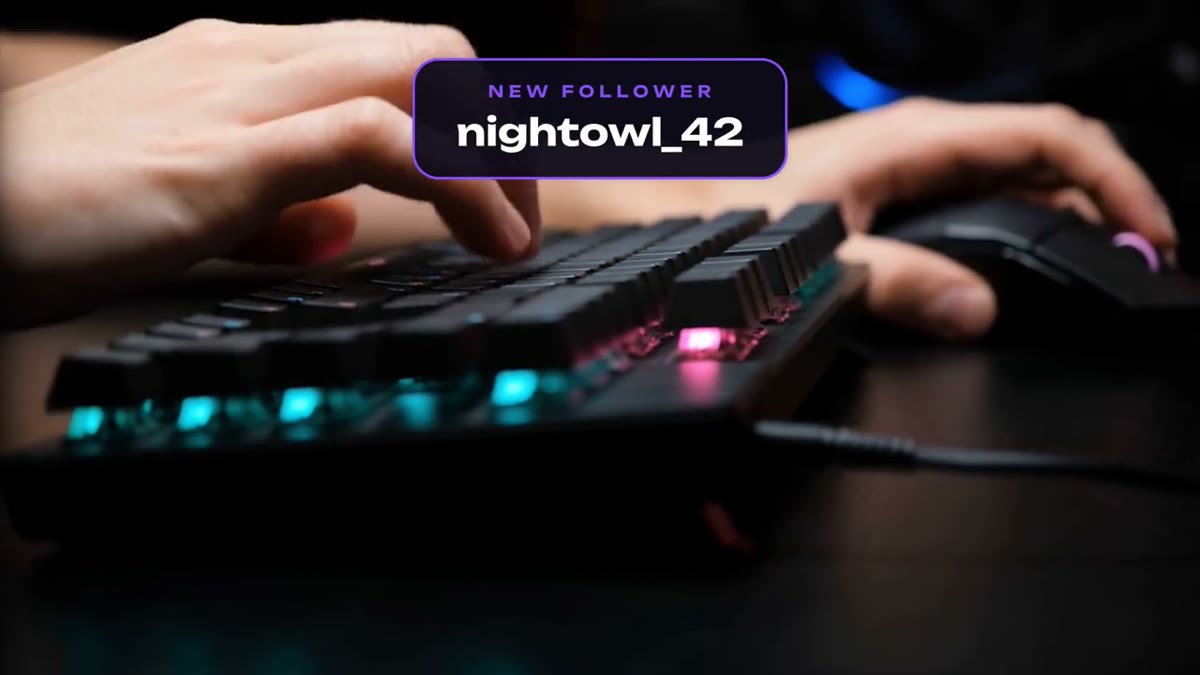
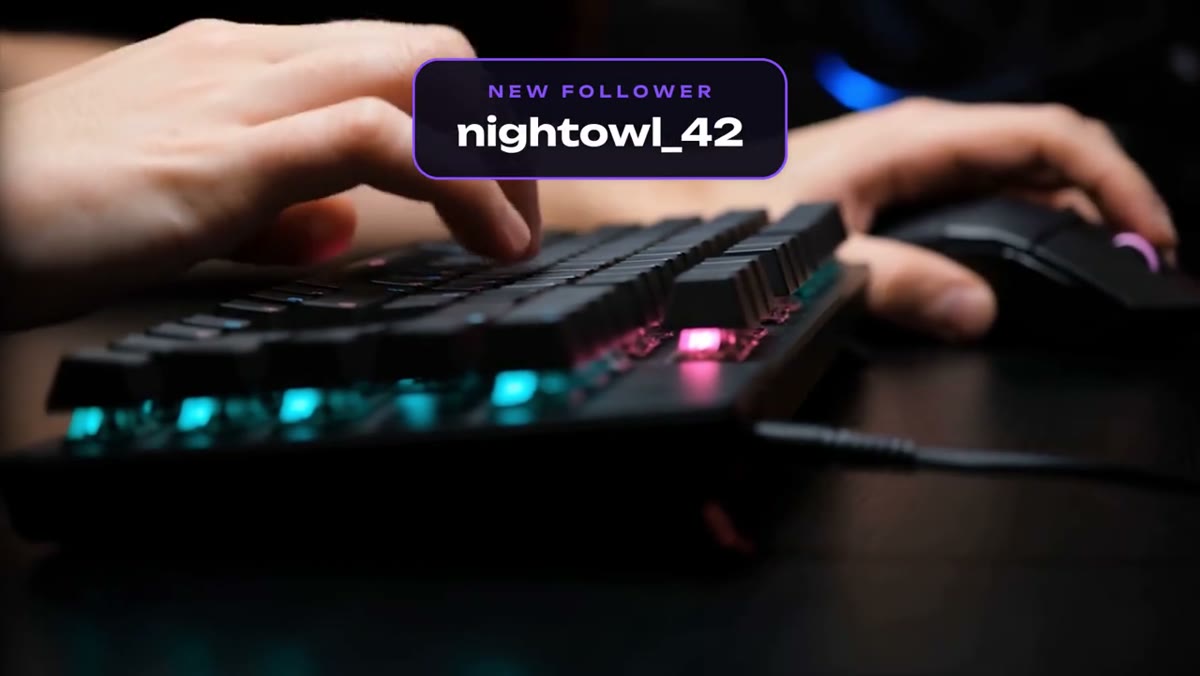
- Follower Alert: a burst ring and a card that pops in with a soft overshoot, labeled NEW FOLLOWER.
- Donation Alert: the same burst and card, labeled NEW TIP.
Each ready-made file is a transparent 1920x1080 WebM, six seconds long, with no audio. The card carries only its label. The name, amount and message areas are left empty on purpose, because your alert service draws those as its own text. WebM with alpha is the format browser-based alert boxes play, so there's nothing to convert. Both files are in the OBS Media Source folder of the download.
Set it up in StreamElements
- Go to Streaming tools, then Overlays, and create a new overlay at 1080p.
- Add a widget: Alerts, then AlertBox.
- Click the cog next to the Follower alert, choose Change Video and upload the Follower Alert WebM.
- Set the alert duration to 6 seconds.
- Edit the alert message. {name} is the follower's username.
- Do the same for tips with the Donation Alert WebM, then save.
- Copy the overlay URL and add it to OBS as a Browser Source at 1920x1080.
Set it up in Streamlabs
- In your Streamlabs dashboard, open Alert Box.
- Pick Twitch, then Follows.
- In the Image setting, upload the Follower Alert WebM. Streamlabs accepts WebM for alert media.
- Set the alert duration to 6 seconds, then set the message and text position.
- Do the same for Tips with the Donation Alert WebM, and save.
- Copy the widget URL and add it to OBS as a Browser Source. In Streamlabs Desktop, add Alert Box from the Sources menu instead.
Add your own alert sound in either service if you want one, since the files are silent. Use the test buttons in either service to fire an alert before you go live. If an alert appears behind your game, move the alert box source above your game capture in the Sources list.
Matching the text to the card
The name, amount and message come from your alert service, so set its font and color to match the card. The pack uses Unbounded and Montserrat, both free, and the font files are in the download. Position the service's text inside the card, under the label, then test it with a long username and a long message.
Want different wording or your channel colors? Edit the .mogrt in Premiere Pro, export with alpha and convert to WebM. Both alerts are in the Livestream Pack, ten templates for $39. For the full set of scenes and overlays, see stream overlays for Twitch and YouTube.