What makes a lyric background readable
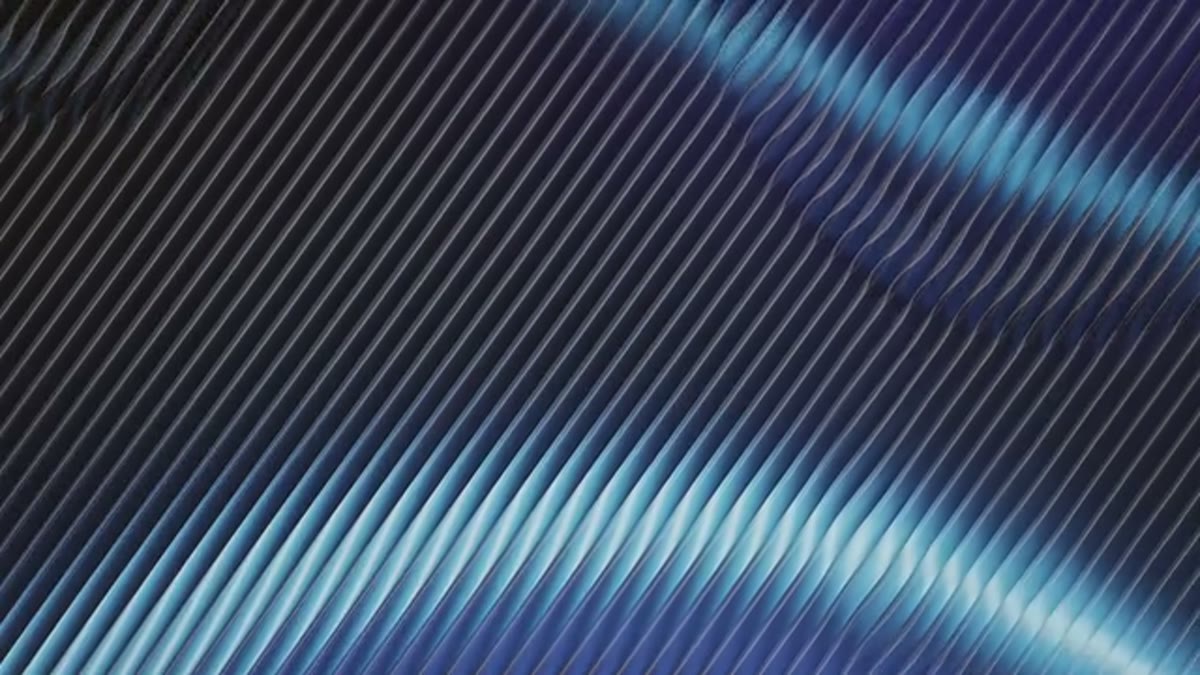
- Slow motion. Movement should drift so eyes stay on the words.
- Low contrast where text sits. Soft gradients, glass and light keep the middle of the screen quiet.
- No baked-in text. Every LaunchFrame loop is textless, so ProPresenter's lyric slides sit cleanly on top.
- Loops with no jump. The last frame flows into the first, so a long song never shows a jump.
For extra contrast, add a text shadow or a dark shape behind the text in ProPresenter, and test a lyric slide over the loop on your real screen before Sunday. If you see a solid color instead of the video, open the slide in the Editor and turn off Background on the Slide tab: since version 7.11 a slide background color sits above the media.
Buy once instead of a yearly plan
- LaunchFrame: one loop collection from $29, once, yours to keep; or Unlimited for $149 a year for every collection. The first 25 churches pay $99 a year, locked in for as long as they stay.
- Sunday Screens: Standard $599 a year; Pro+ $799 a year ($599 the first year), per its pricing page on Oct 30, 2026. It has a much bigger library; see how the two compare.
Free lyric backgrounds to start
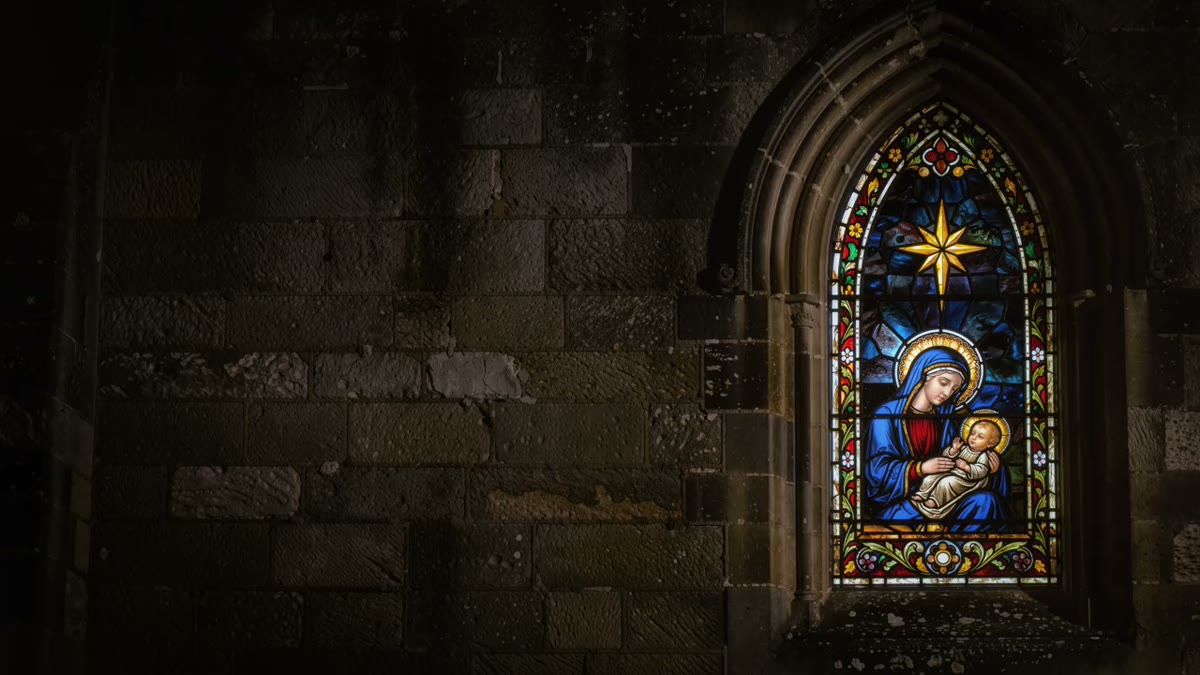
Free with your email: the Glass Tubes Loop for any Sunday, and the violet Advent Glass loop, warm candle light behind reeded glass, for the Advent season. With no signup: the free Advent set has Christmas Warp, Molten Wave Christmas and Christmas Story. All are 4K.
Set a loop as a lyric background in ProPresenter
- Drag the .mp4 into a Media playlist or the Media bin.
- Set its Playback behavior to Loop.
- Trigger it to the Background layer, then fire your lyric slides over it.
Full walkthrough: how to loop a background in ProPresenter. Browse every collection on worship loops.
One background for a whole song
- Drag the loop from the Media Bin onto the song's first slide. It becomes a media action, so the background starts whenever you trigger that slide.
- Check its Playback Behavior is Loop in the Inspector.
- Click through the song. A looping background isn't restarted when you move to another slide that uses the same video, so it keeps playing under every slide.
- When the song ends, Clear Media (F3) takes the loop off. Clear Slide (F2) takes the lyrics off and leaves the loop running.
Or click the loop in the Media Bin before the song starts. It plays on the Media layer and repeats until you clear it or trigger another one.