Start with the wall's pixel size
Ask whoever set up your wall for its canvas size in pixels, not feet. Divide width by height for the ratio. A 1920 x 1080 or 3840 x 2160 canvas is 16:9 and takes our loops as-is. A 5760 x 1080 canvas is 16:3 (three 16:9 screens side by side).
Fitting a 16:9 loop to a wide wall
- Scale to fill width and crop top and bottom: works for abstract light and glass loops.
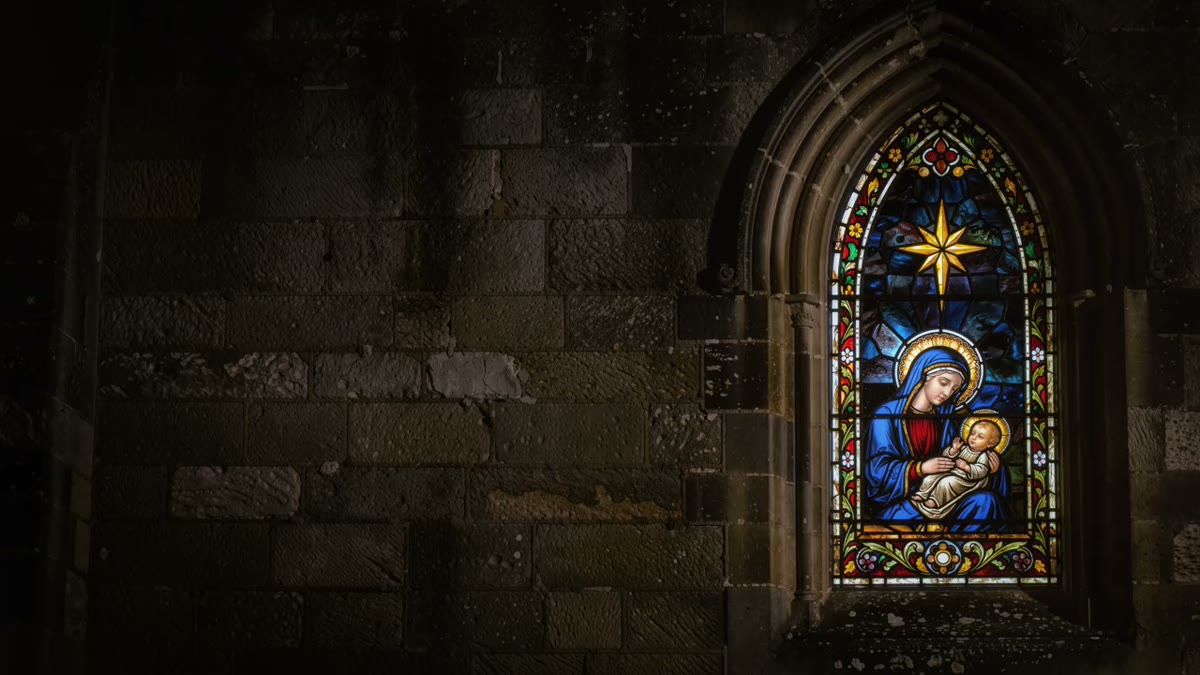
- Use a native wide version: Tracery and Advent Glass also come in 5760 x 1080 in Advent & Christmas Loops.
- Avoid stretching: it distorts motion and glass shapes.
Brightness and lyrics
LED walls are bright. Pick darker loops behind lyrics and bring the wall's brightness down for slow songs. Test one lyric slide over the loop from the back row before Sunday.
In ProPresenter and Premiere Pro
In ProPresenter, set the screen to the wall's canvas size and put the loop on the Background layer with Playback set to Loop. In Premiere Pro, make a sequence at the wall's pixel size and scale the clip to fill.
Where LaunchFrame Live fits
We're building LaunchFrame Live: real-time animated worship visuals over NDI, music-reactive or free play. Adjust each design's color and motion live, build set lists and lay out multi-screen stages with a 3D view of your room. It uses the full Unlimited library and runs on top of Unlimited. Early access is open.