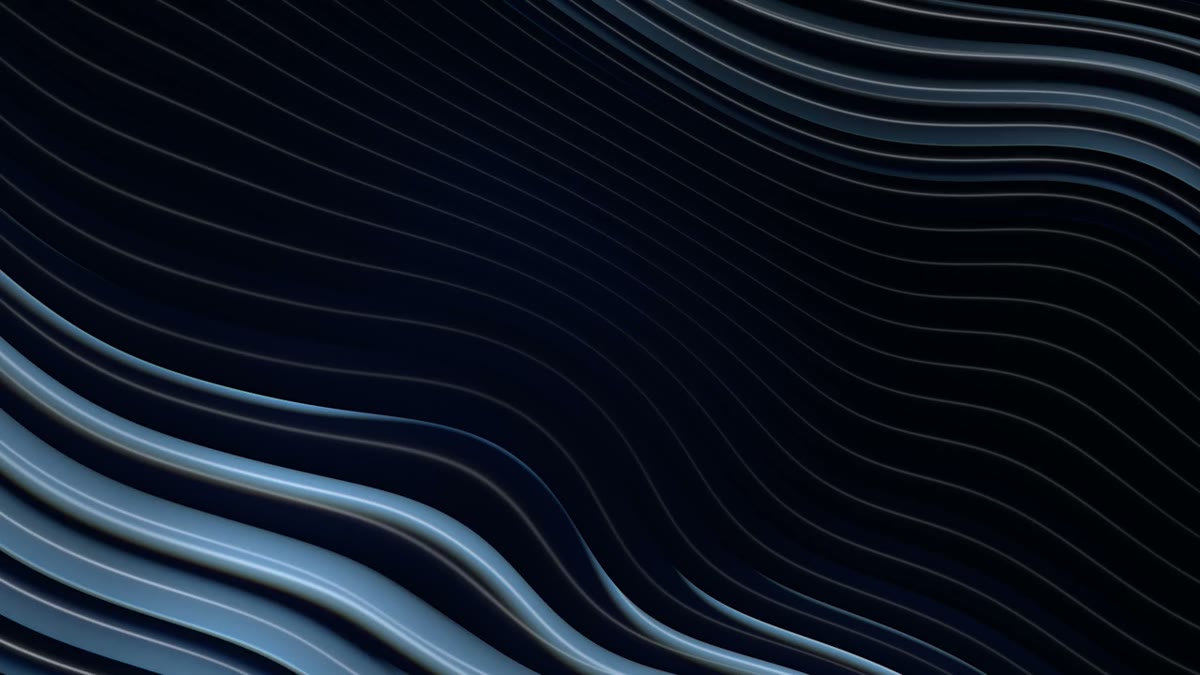
1. Start with contrast
White lyrics need a background that stays well below mid gray where the text sits. The trouble is rarely the average brightness; it's the brightest moment. A highlight that drifts behind a line of text for two seconds makes that line unreadable for two seconds.
- Watch the loop all the way through with a lyric slide on top, not a still frame.
- Squint at it. Whatever stays bright when you squint is what will fight the words.
- A soft shadow under white text buys a lot. A heavy outline makes text look busier, not clearer.
2. Keep the center band calm
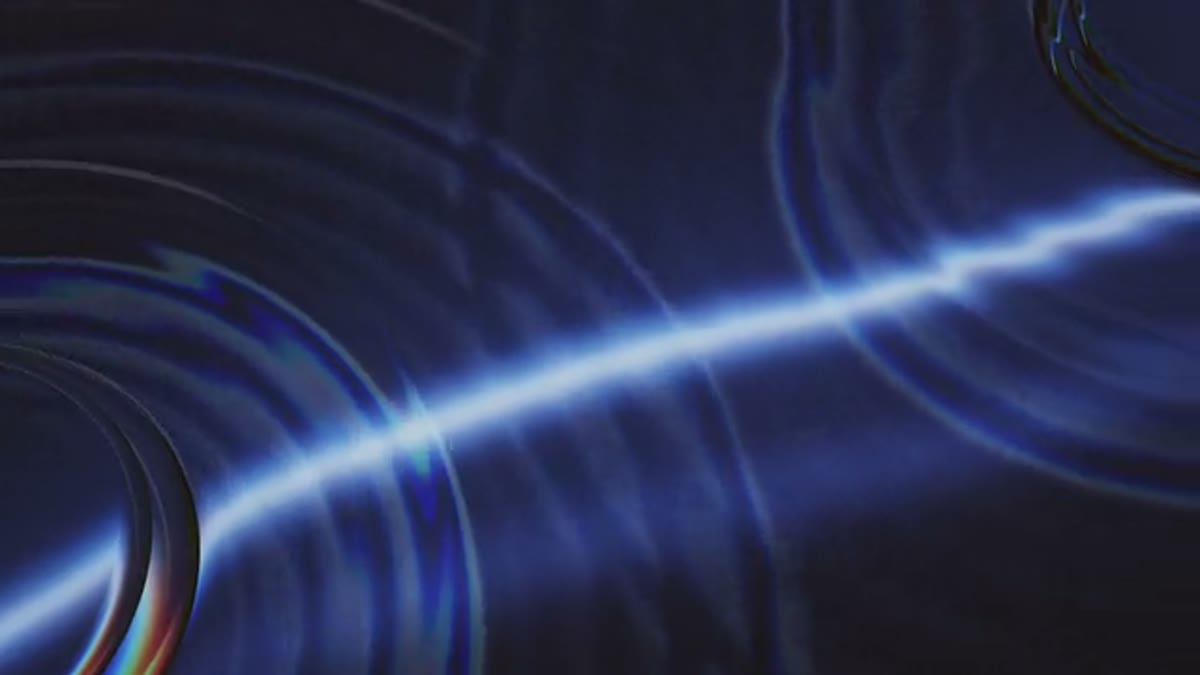
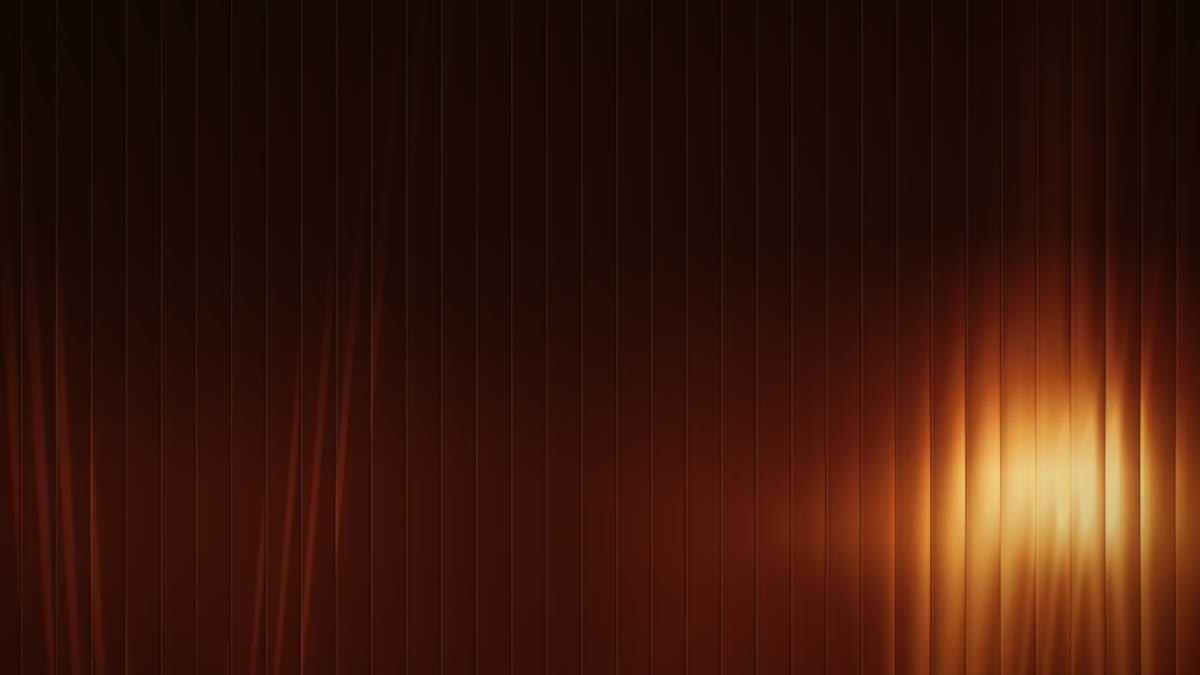
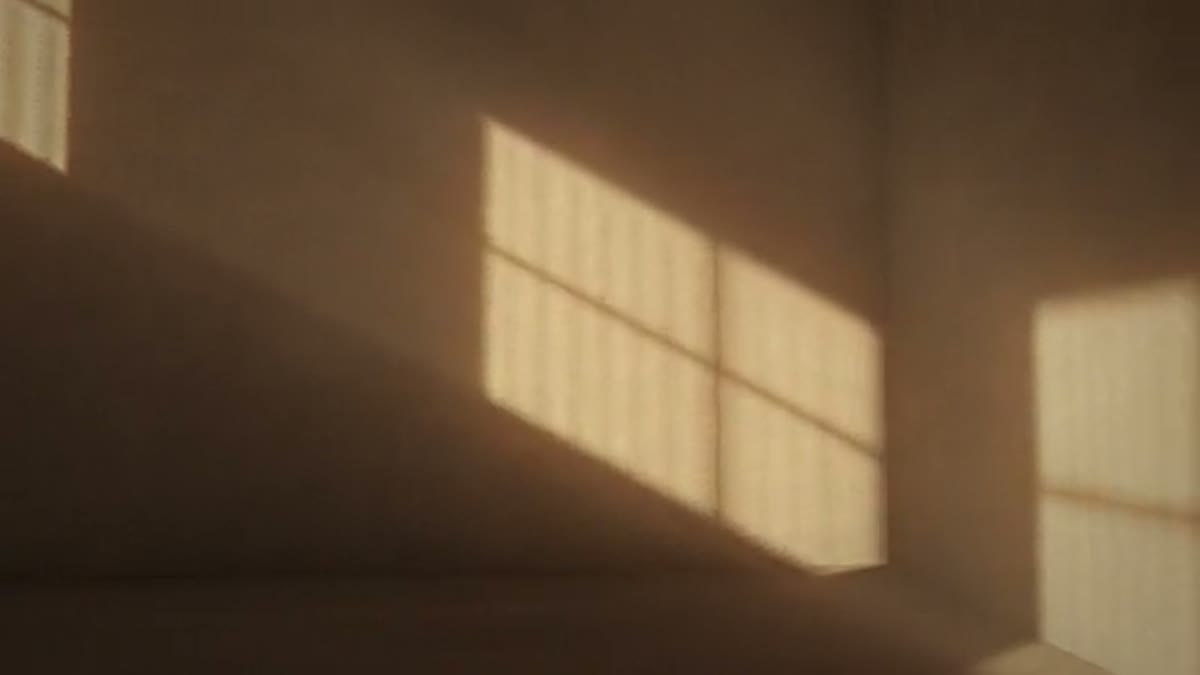
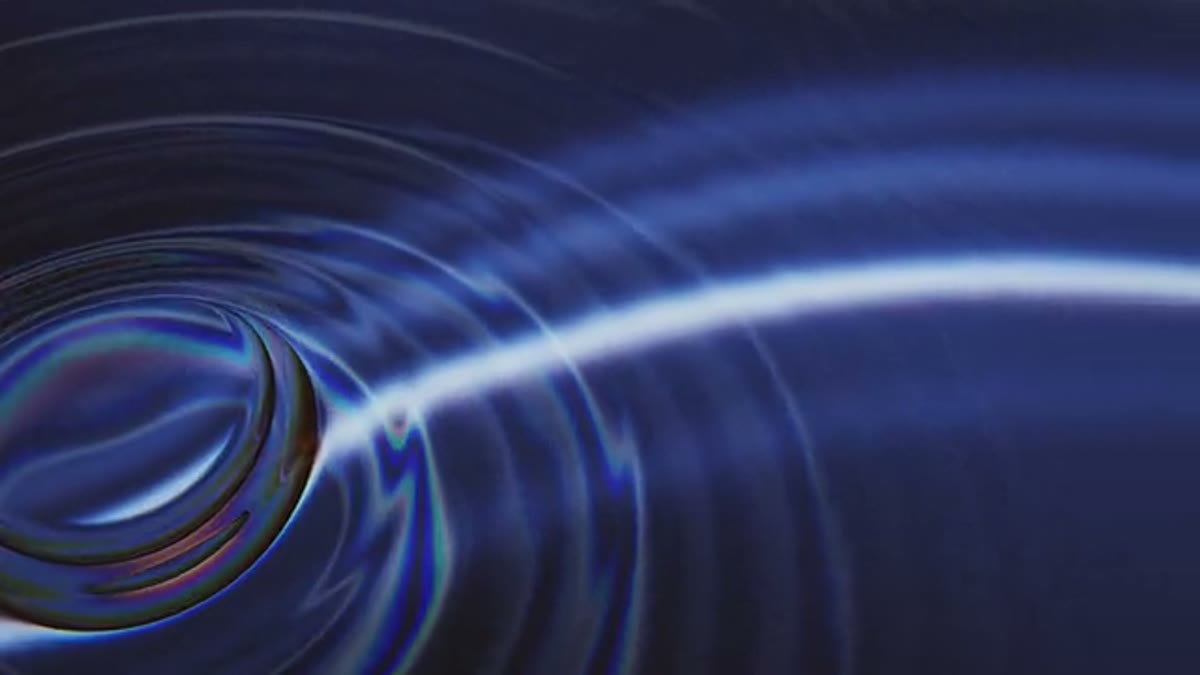
Most lyric slides sit in the middle third of the screen, or in a lower third. The best lyric loops keep their light at the edges, the top or low in the frame, and leave that band quiet. Contour Flute and Long Wave keep the center dark. Harvest Moon Glass keeps its light in the upper third. Fluted Strip leaves the left two thirds open, and Frost Channel keeps a calm frosted top for a title. Most of our collection pages say where the light sits in each loop.
3. Slow the motion down
Our eyes go to movement before anything else. A background that sweeps light across the frame every few seconds will win against the lyrics every time.
- Prefer light that drifts or travels at the edges over light that crosses the text area.
- Save faster, fuller loops for walk-in, instrumentals and moments without words.
- If you notice the background before the words, it's too fast for that song.
4. Watch the detail behind the letters
Fine, high-contrast detail behind text fights the letterforms: thin lines, small patterns, sharp edges. Soft gradients, broad light and fine grain sit behind type well. That's why patterned loops, like tile floors, are better on walk-in and side screens than behind a verse.
5. Projectors, LED walls and livestreams need different loops
Projectors
A projector can't show black: its darkest value is whatever the room light leaves on the screen. Under house lights, dark loops turn gray and the lyrics lose contrast. Pick darker loops than you think you need, use bigger and bolder type, and keep light off the screen where you can.
LED walls
LED walls show true black and get very bright, so the risk flips: a loop that looks right on a projector can be glaring on a wall. Run the wall below full brightness for lyrics. On a wall with a coarse pixel pitch, very fine detail can shimmer, so broad light reads better. Walls often aren't exactly 16:9; use your software's Fill setting, or a triple-wide version where one exists.
Livestream
Streaming compression is hard on two things: smooth dark gradients, which band into visible steps, and fast fine motion, which turns to mush. Slow loops with a little grain hold up best. If the stream uses a lyric graphic over the camera, make sure it's readable on a phone, where many people watch.
Before Sunday: a five-minute check
- Put the longest lyric slide of the set over the loop, on the real screen.
- Watch one full loop. Does any line become hard to read at any point?
- Stand at the back of the room, and at the side.
- Check it with the house lights as they'll be during that song.
- If you stream, look at the stream on a phone.