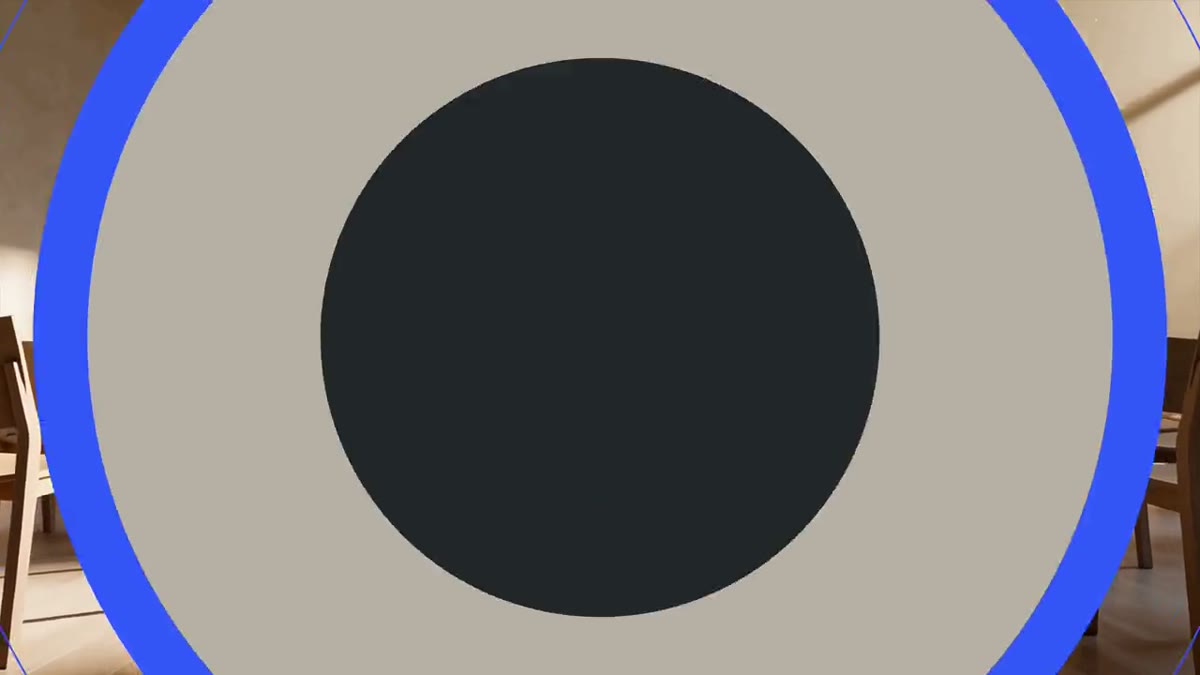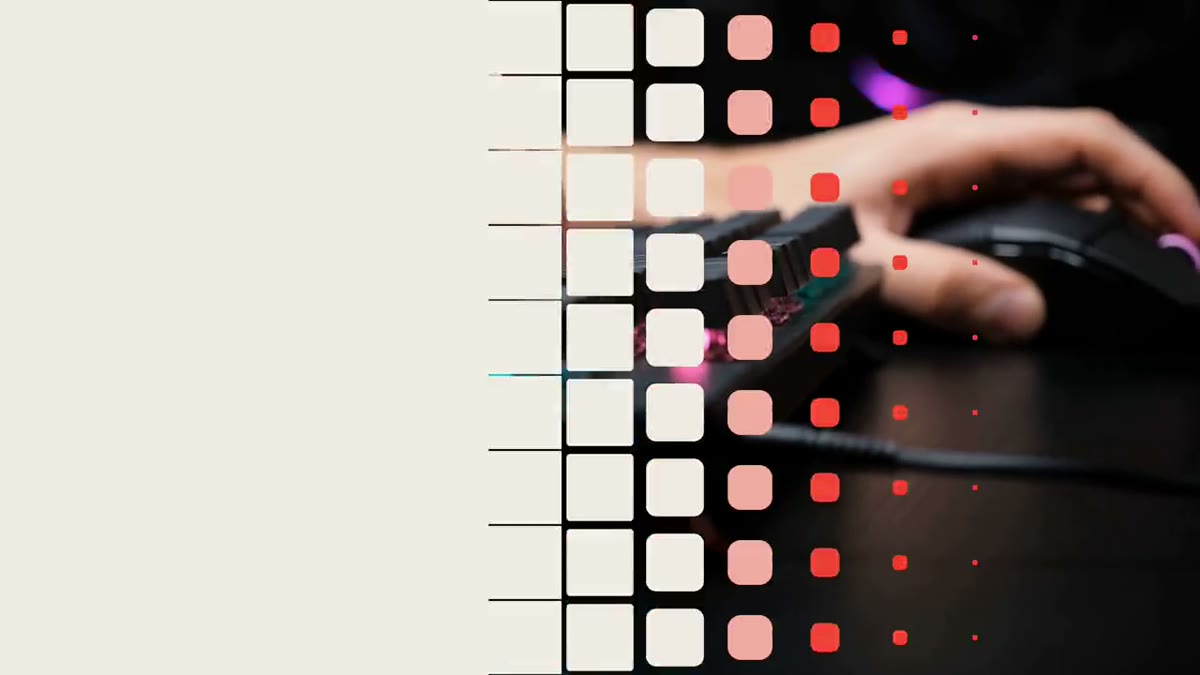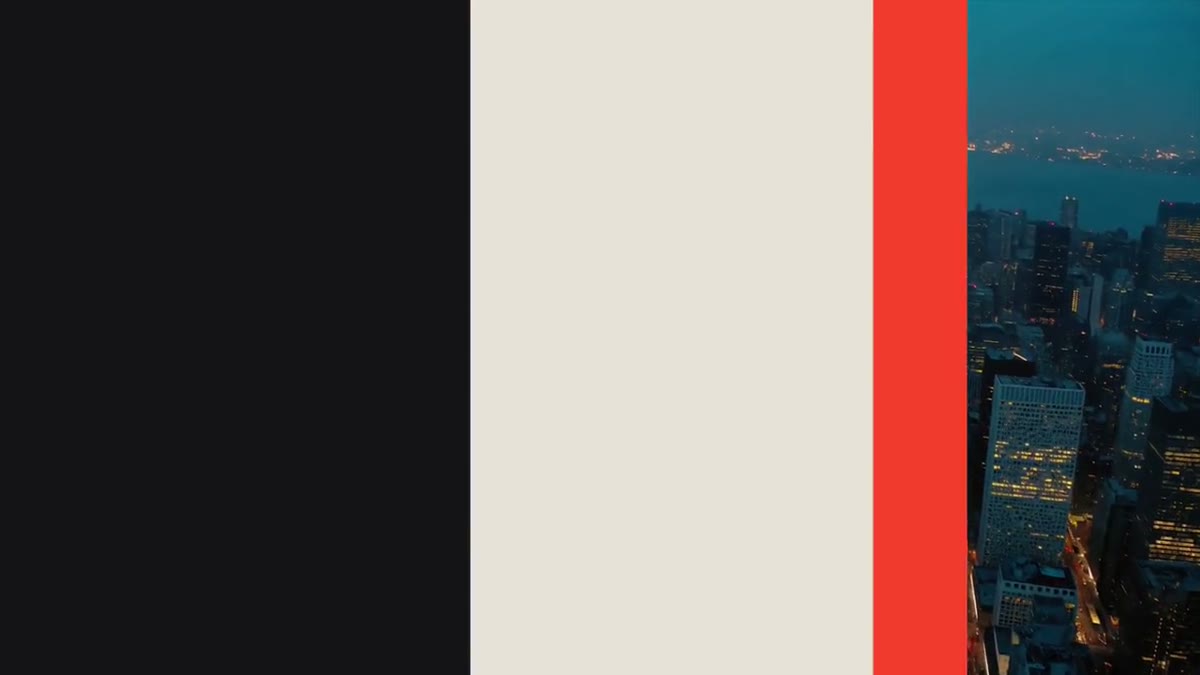
Colors, direction and speed are editable in Premiere's Essential Graphics panel.
Panel Stack Transition is a Premiere Pro transition (.mogrt) built at 4K in both 16:9 (3840 x 2160) and 9:16 (2160 x 3840), and the After Effects project is included. Editable in Premiere's Essential Graphics panel: three colors; four directions; stagger and slant. It comes in the Transitions Pack: 14 transitions for $39, paid once, and it's also included in LaunchFrame Unlimited.
About this transition
A thin Color 3 band leads, a wider Color 2 band follows and Color 1 covers the frame, then the panels trail off in the same order. Stagger sets how far apart the bands run and Slant angles their edges.
Questions
How do I use a transition in Premiere?
Install the .mogrt files, then drag a transition onto the track above a cut and center it on the cut. It covers the whole frame at its midpoint, so the cut is hidden under it. It works over any footage at any resolution.
How do I change the speed?
Trim the clip. A shorter clip plays the move faster and a longer one slower. The Speed (%) control does the same without changing the clip length.
Do they work on vertical video?
Yes. Every transition also comes as a 9:16 .mogrt, laid out for 2160 × 3840, for Shorts, Reels and TikTok.
What can I change?
Each transition has three colors, a direction where it applies (left, right, up, down, an origin, or zoom in and out), Speed (%) and two look controls such as grain, tile size, blur, rim width or rib width.
Do they blur or distort my footage?
No. Premiere doesn't let a motion graphics template see the clips under it, so these are drawn on top: shapes, ink, light, paper and glass that cover the cut. Nothing is applied to the footage itself.
What do I need?
Premiere Pro 2024 or newer for the .mogrt files, or After Effects 2026 or newer for the project. No plugins, no fonts and no footage to relink.
Can I buy one transition?
No. The Transitions Pack is sold as one pack of all fourteen. It's also included in LaunchFrame Unlimited.
Can I use them in client work and monetized videos?
Yes. Use them in unlimited personal and client videos, including monetized, broadcast and paid projects. You can't resell or share the template files themselves.
Which pack is Panel Stack Transition in, and what does it cost?
Panel Stack Transition is one of the 14 transitions in the Transitions Pack, which is $39. You pay once and keep the files. It's also included in LaunchFrame Unlimited.
What if it doesn't work for me?
Email hello@launchframe.io within 14 days and I'll fix it or refund you.
- Formats
- Premiere Pro .mogrt (16:9 and 9:16), After Effects .aep
- Software
- Premiere Pro 2024+, After Effects 2026+
- Resolution
- 3840 × 2160 and 2160 × 3840 (4K)
- Length
- 2 s, the cut sits at the midpoint; trim to change the speed
- Plugins
- None
- Fonts
- None: no text